 ROSC
Open your Profile
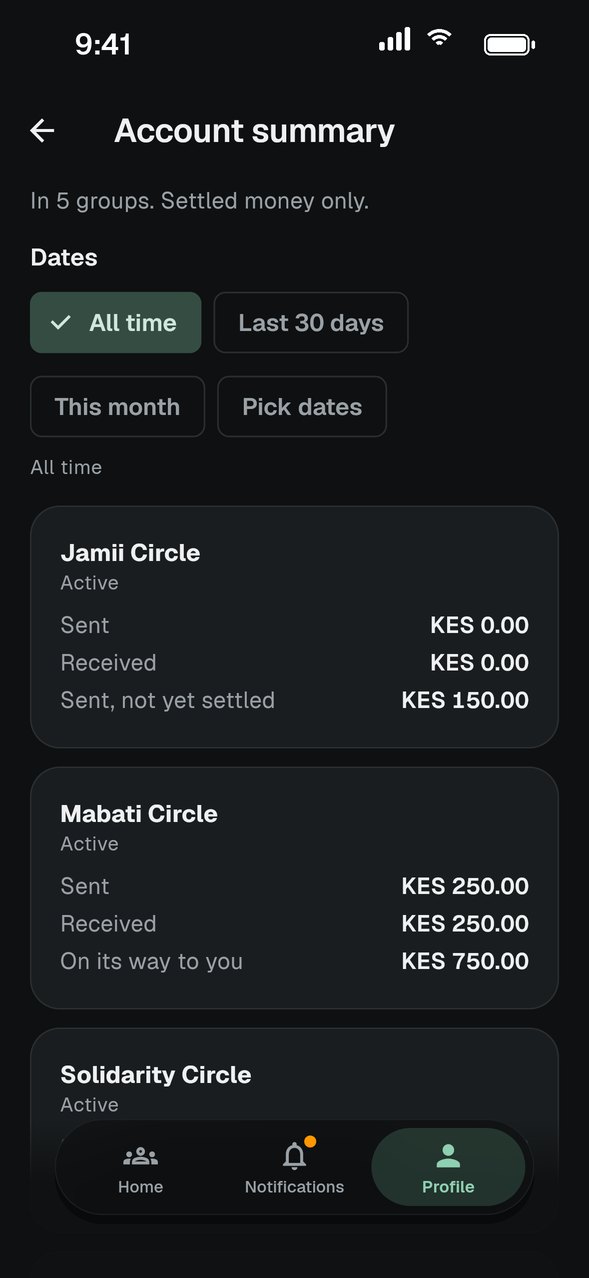
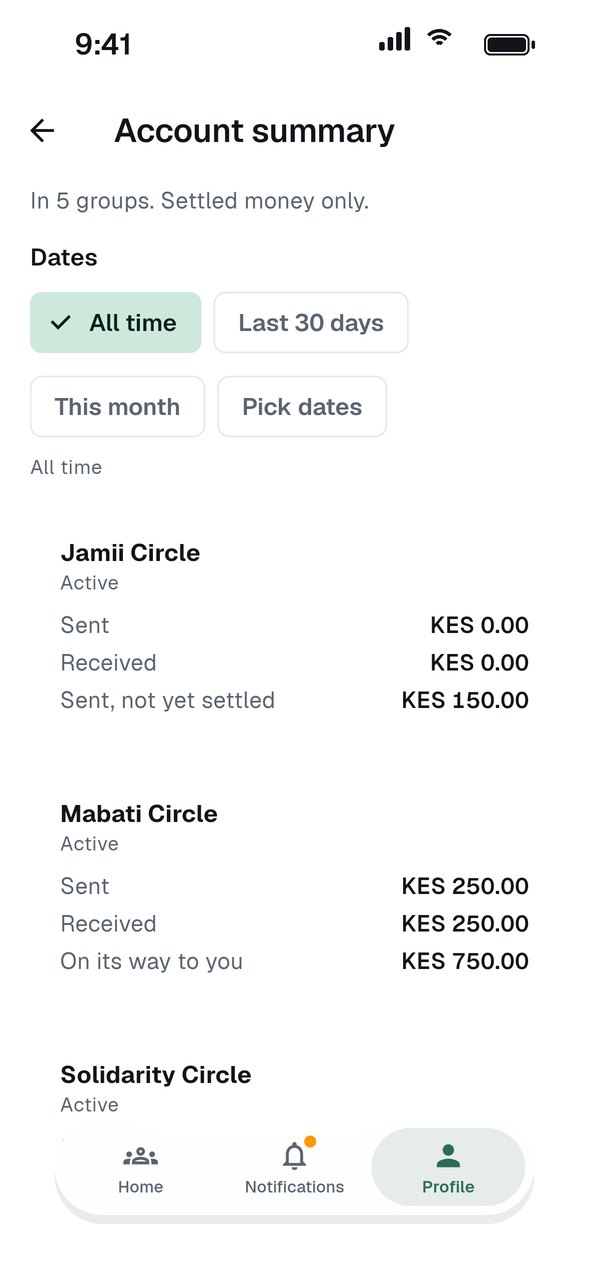
Tap Profile, then Account summary under Reports.
Choose the dates
Pick All time, Last 30 days, This month, or choose your own dates.
Check each group
Each group shows if you are active or inactive, with what you sent and received. Only settled payments count.
View the PDF
Tap View summary to open the PDF. Print it or share it from there.
GOOD TO KNOW
- Amounts in different currencies are never added together.
- For every payment in one group, open its Group account statement from the group settings.