 ROSC
ROSC / Guides
Guides, with screenshots.
Short walkthroughs for every part of ROSC. Share a guide with your group so everyone starts on the same page.
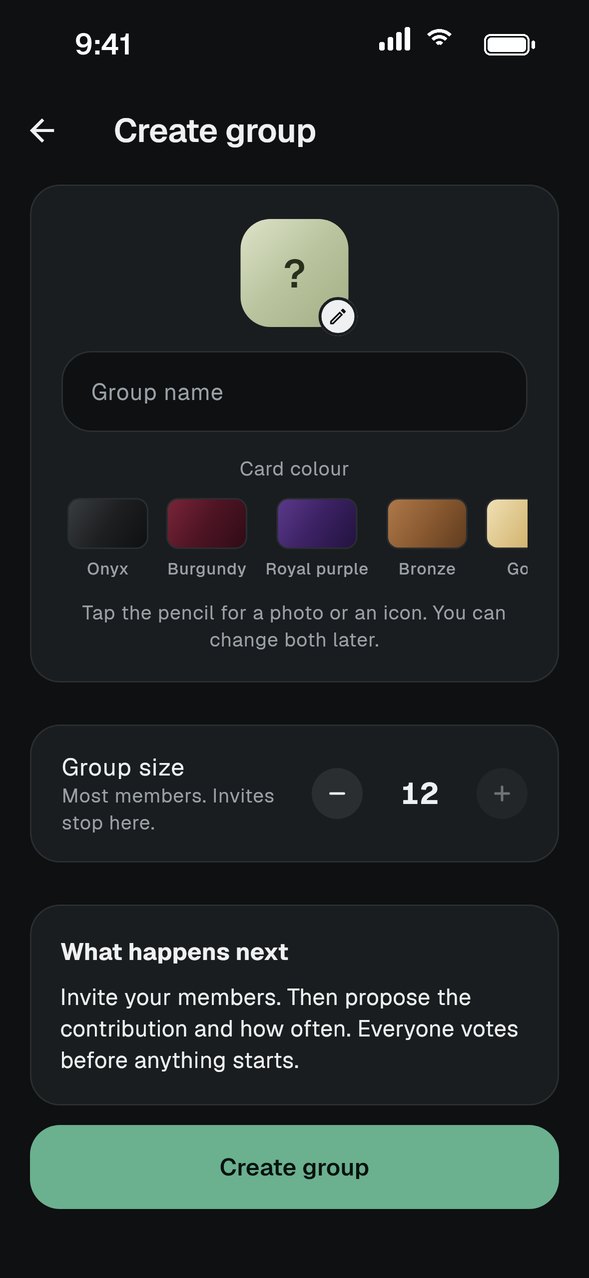
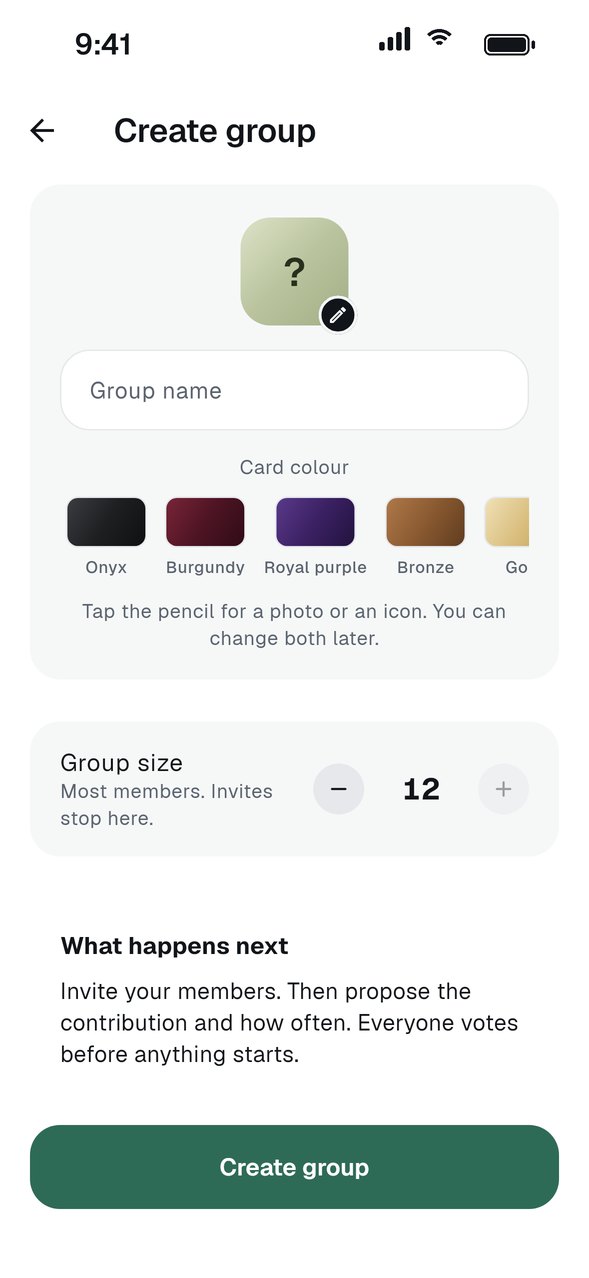
Start a group
Create a group, set the amount and invite your members.
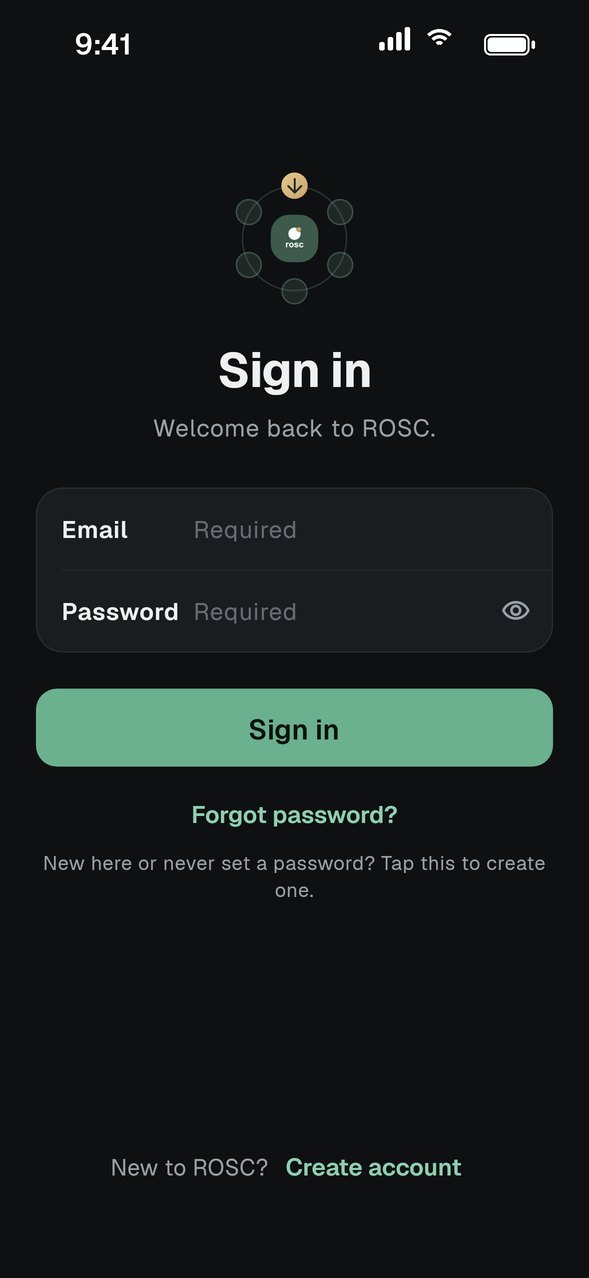
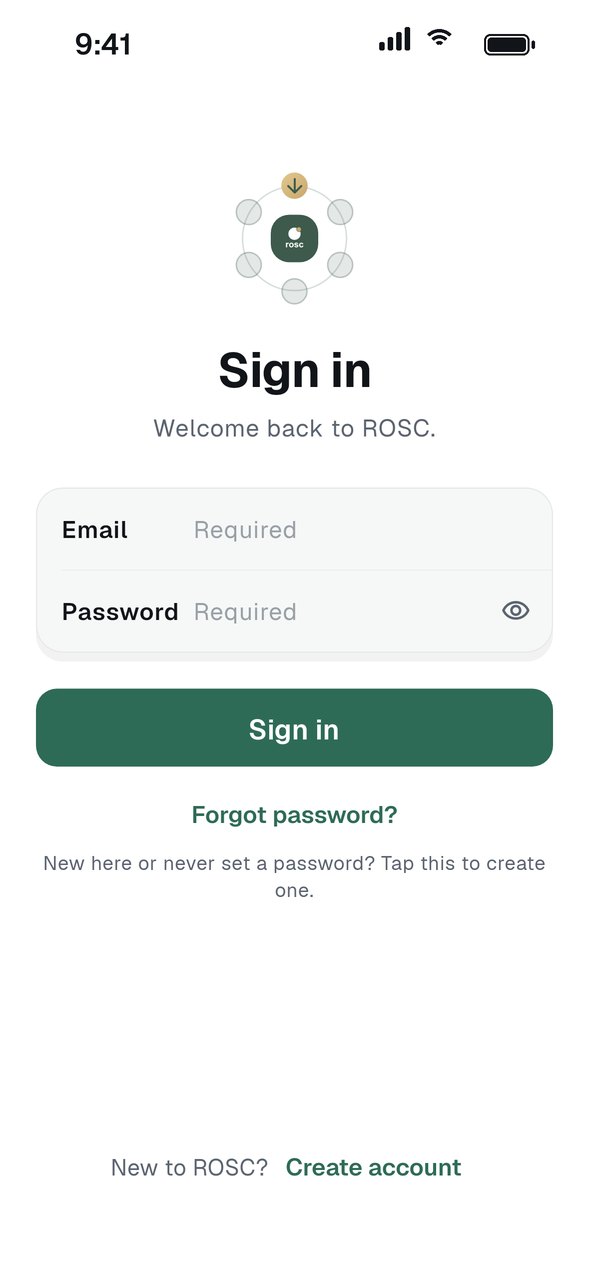
Join a group
Sign in, then use an invite link or a six-character code to join.
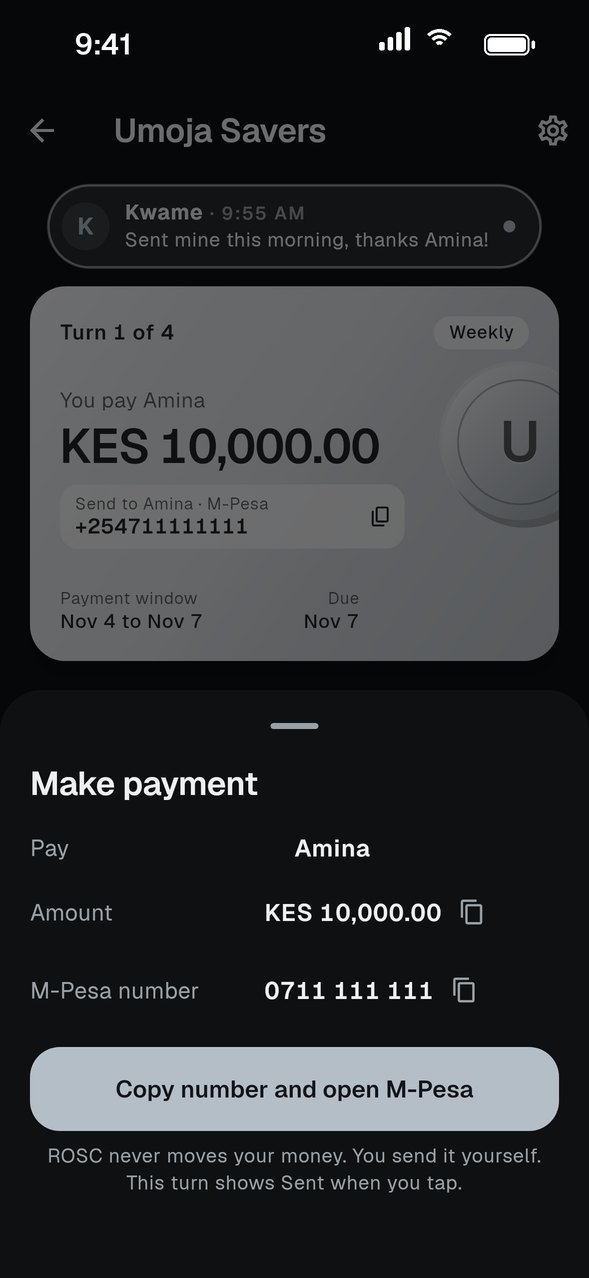
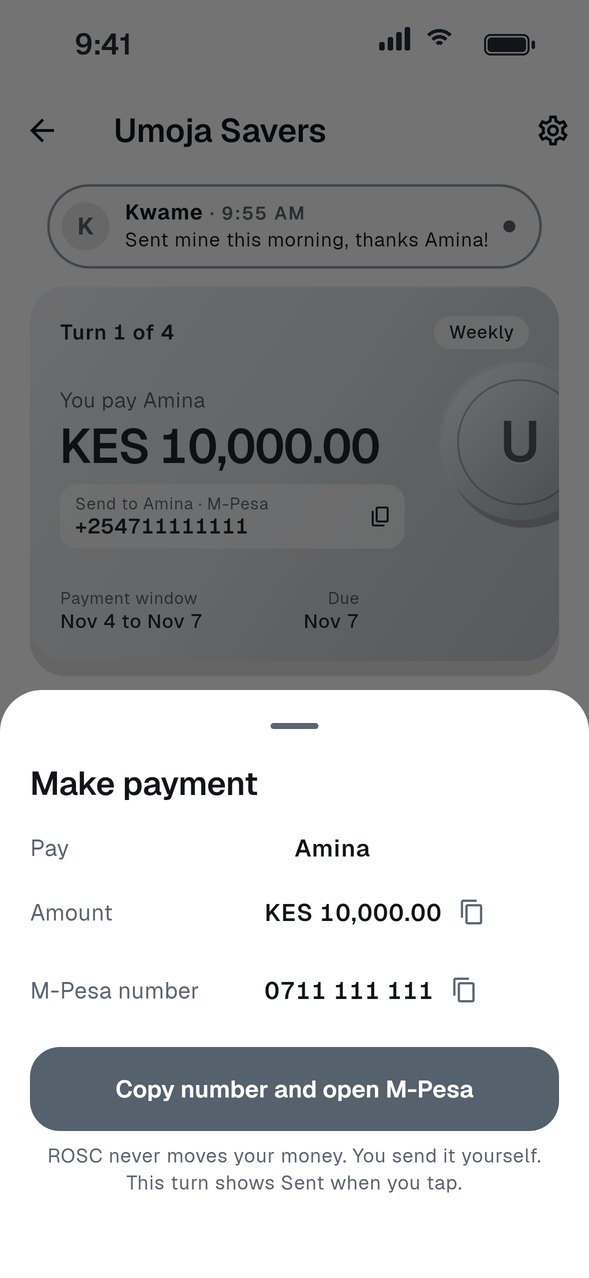
Pay your share
Send your contribution, then tell the group you sent it.
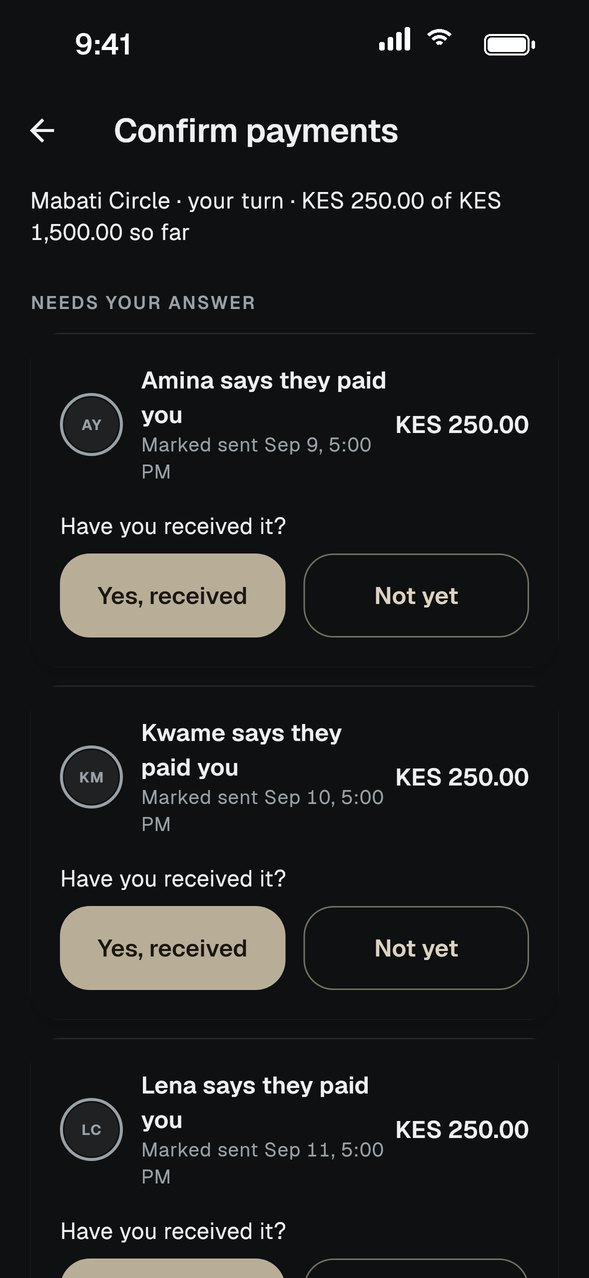
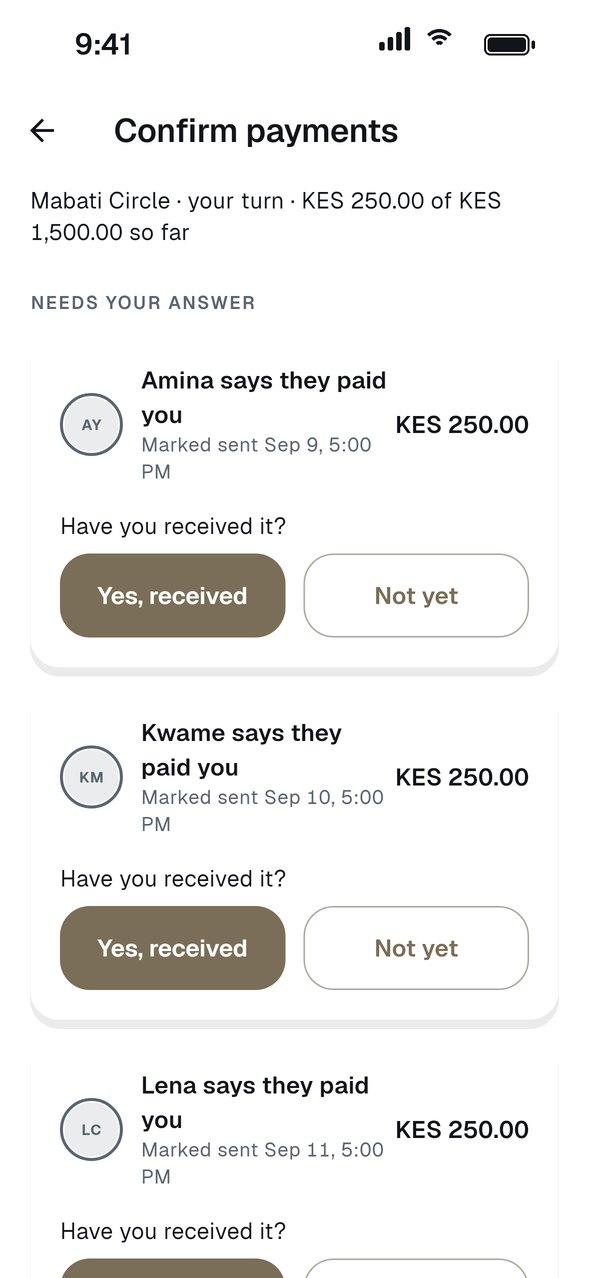
Confirm a payment you received
Check your account, then confirm what has arrived.
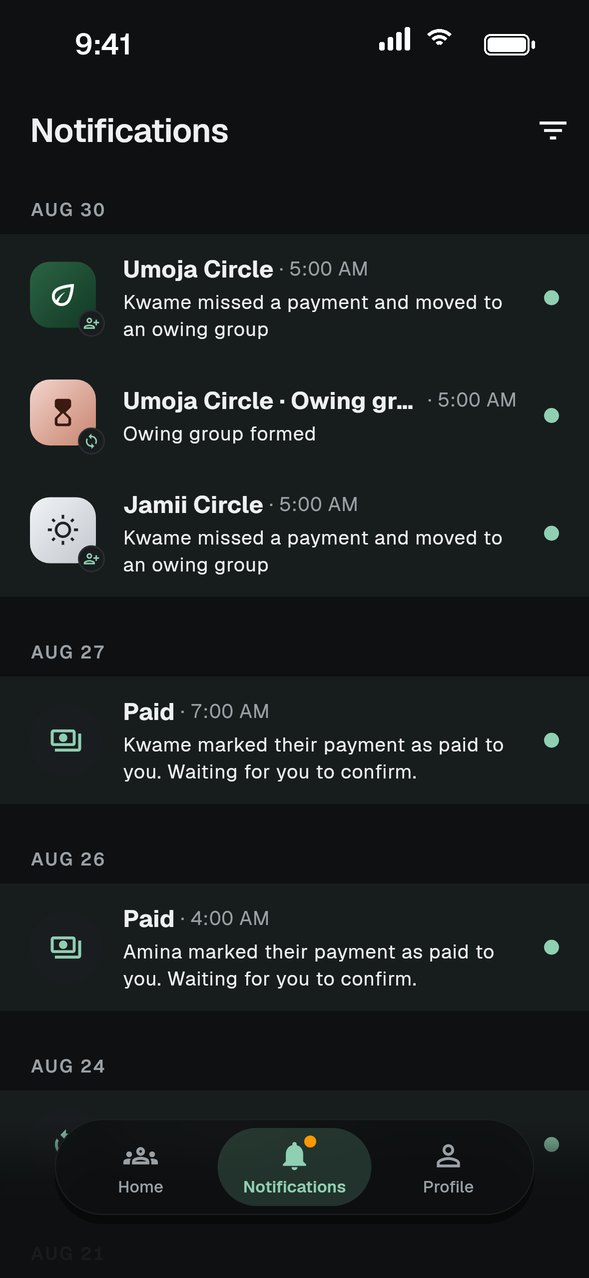
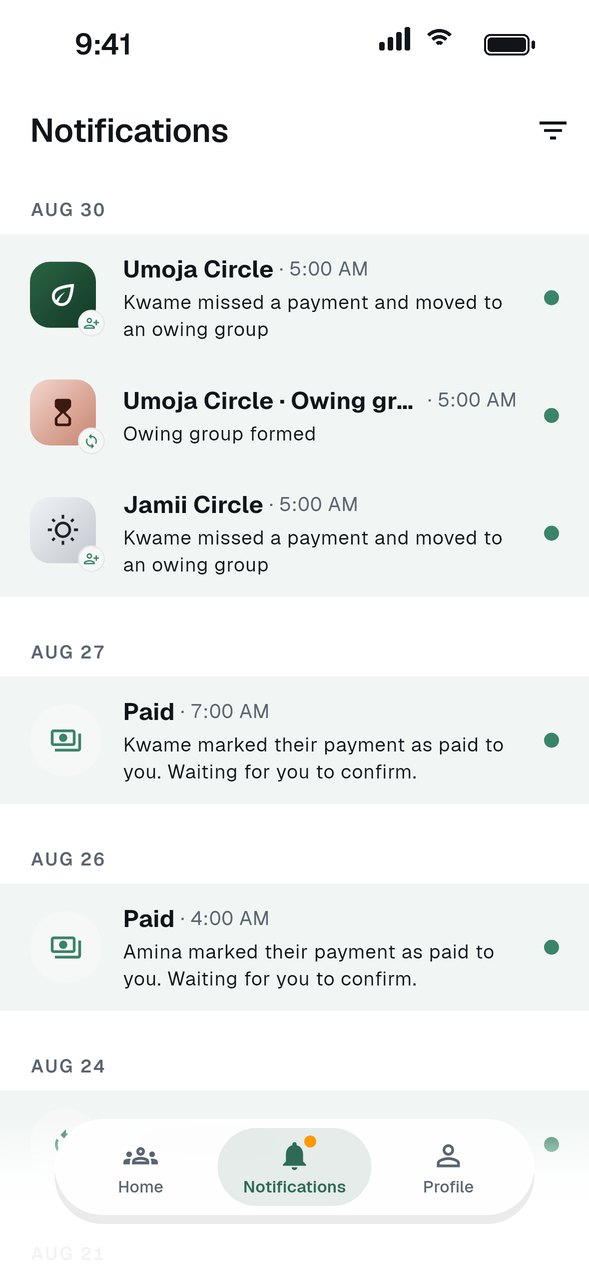
Notifications and reminders
Stay on top of due dates and group activity.
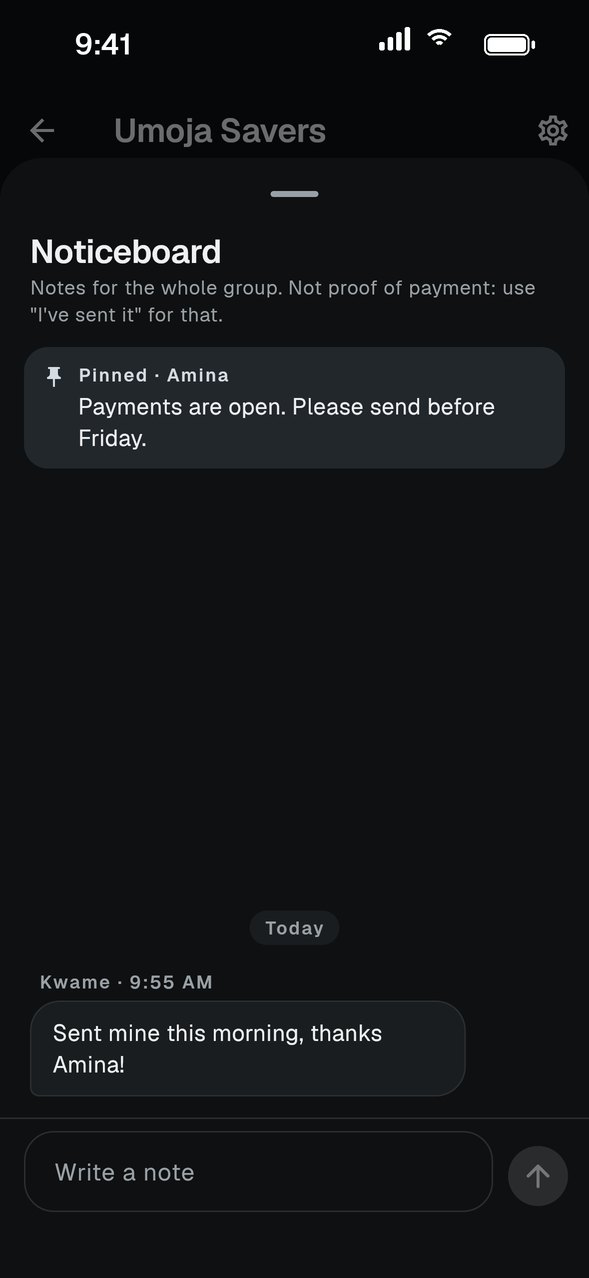
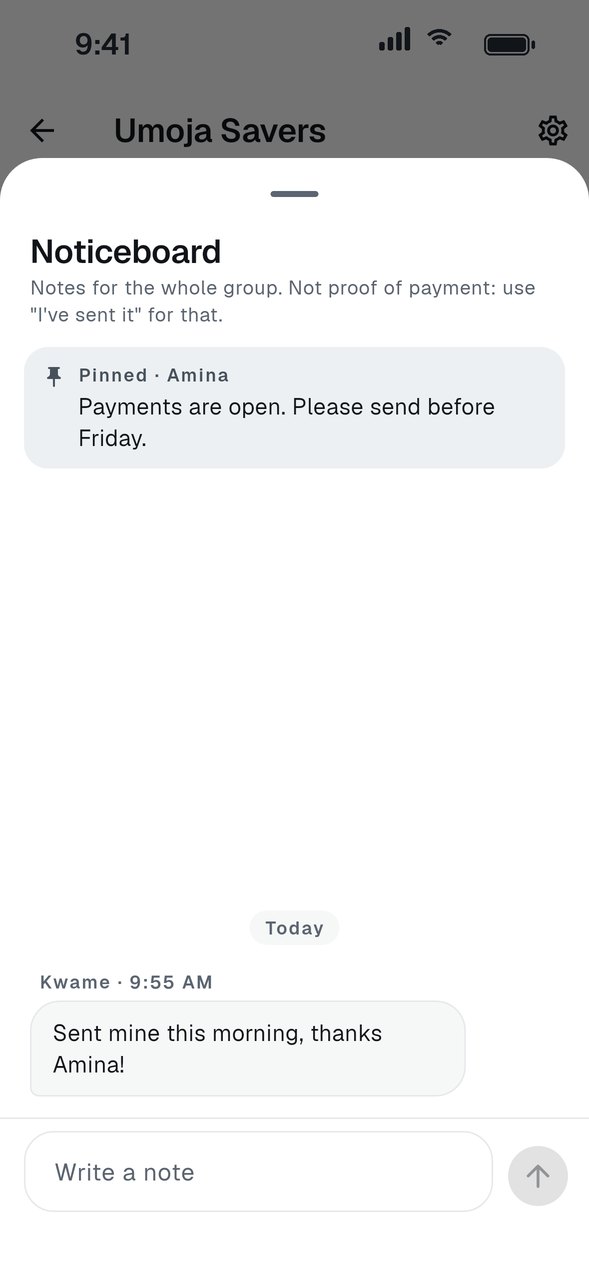
Use the noticeboard
Share updates with the whole group in one place.
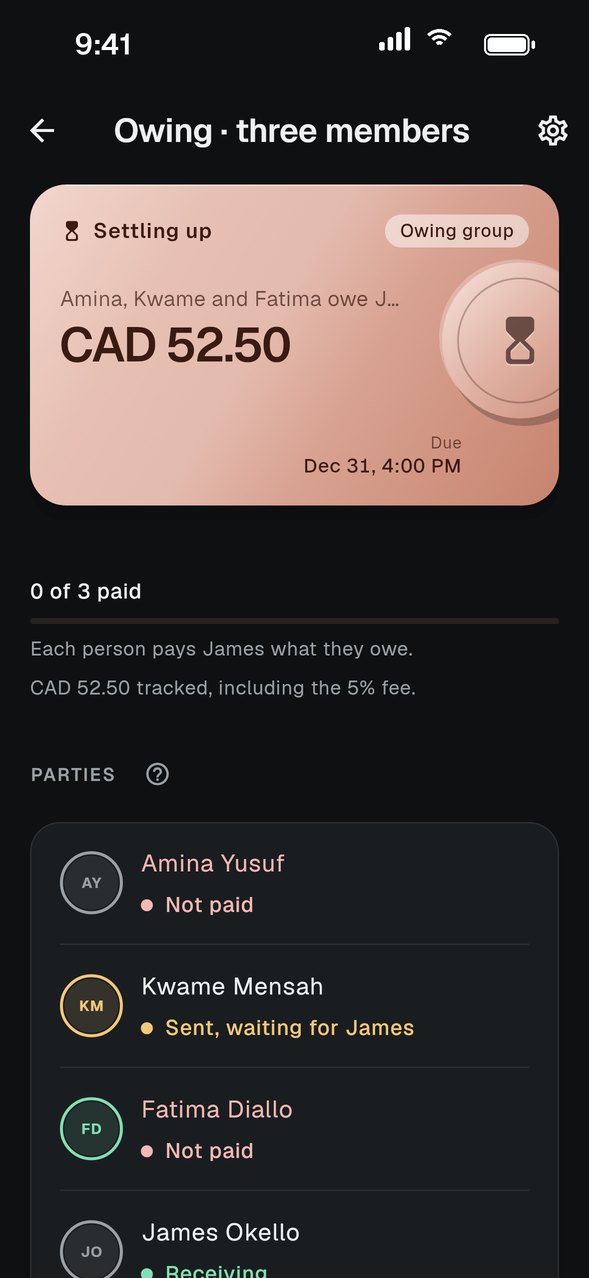
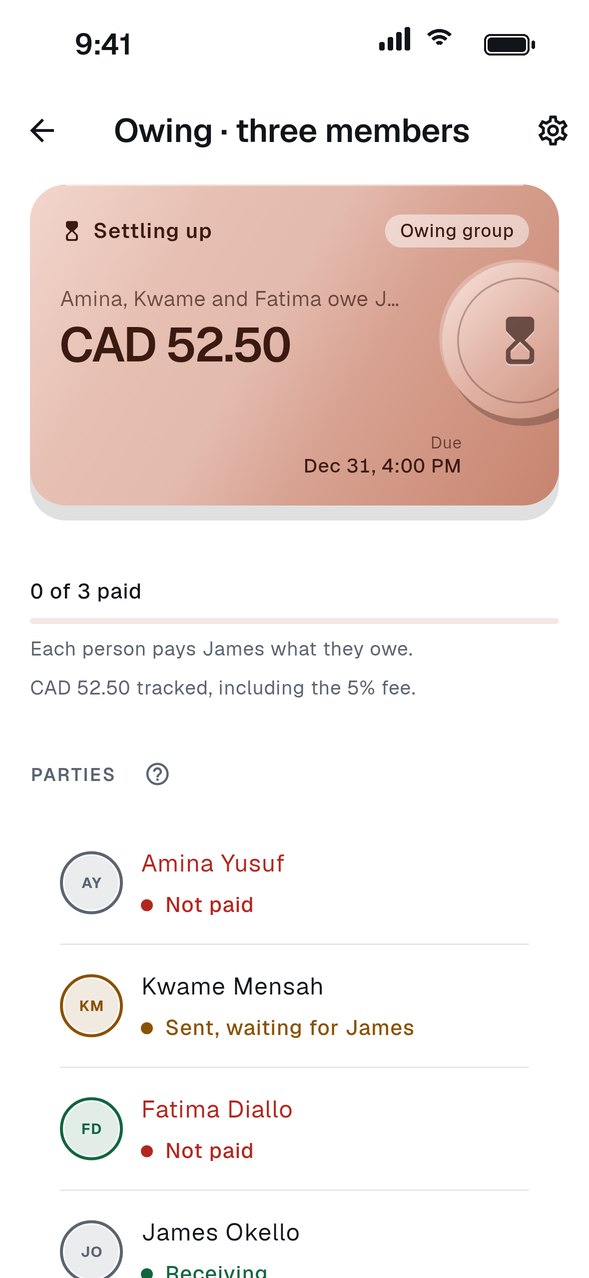
Owing groups
What happens when a payment is missed.
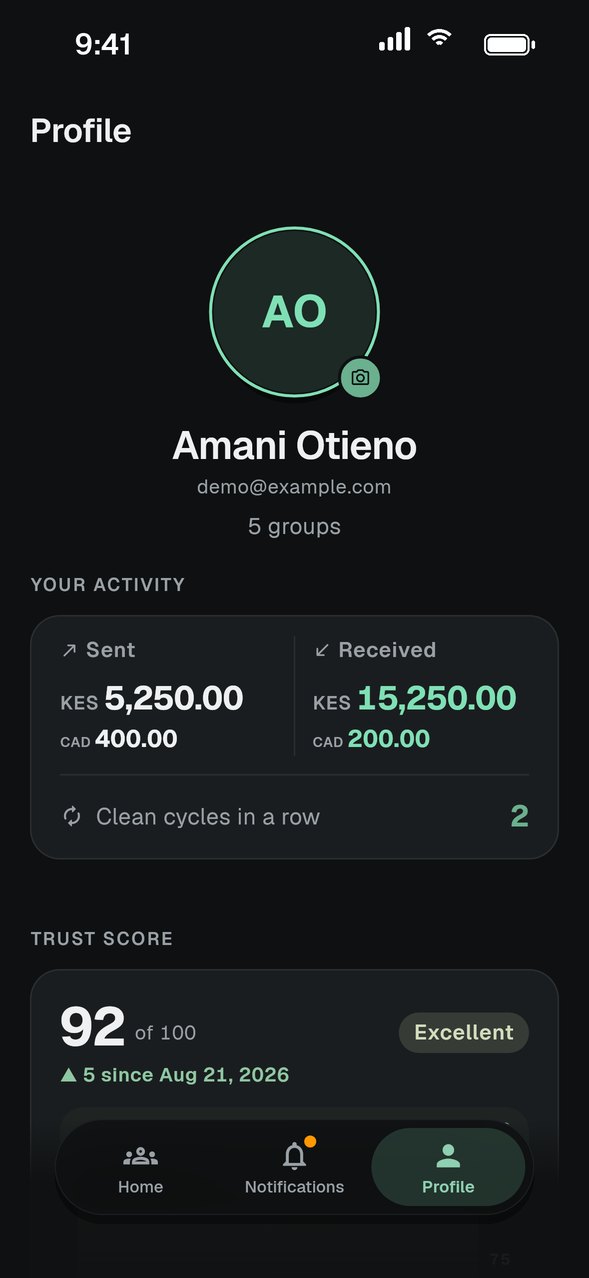
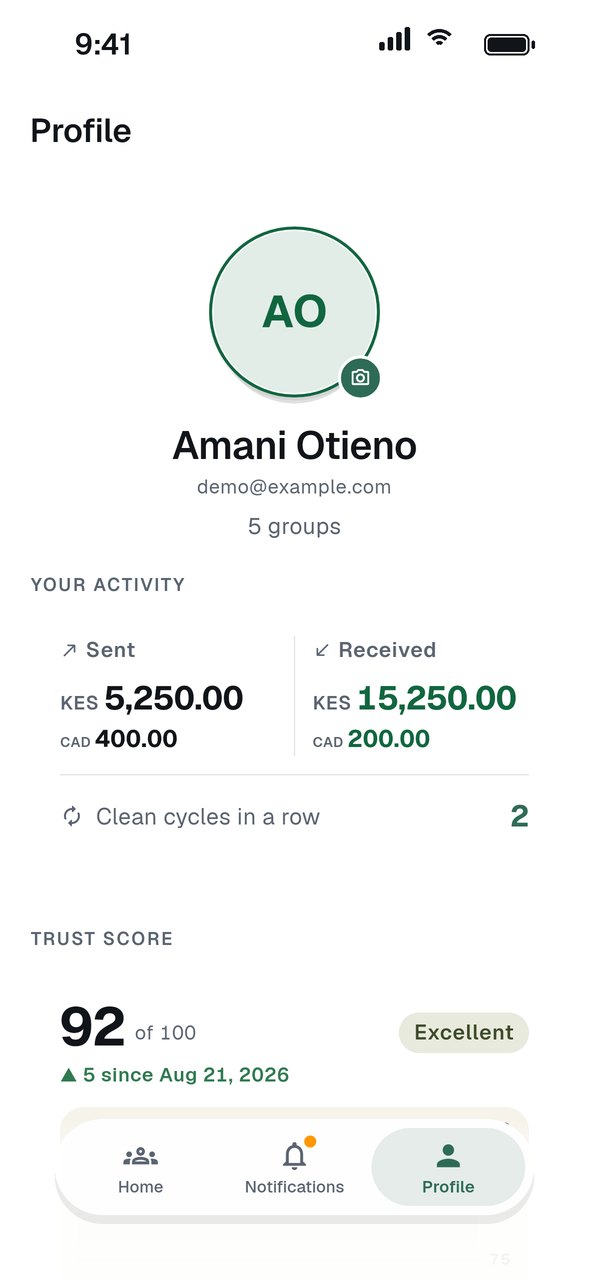
Your Trust Score
How your payment record builds over time.
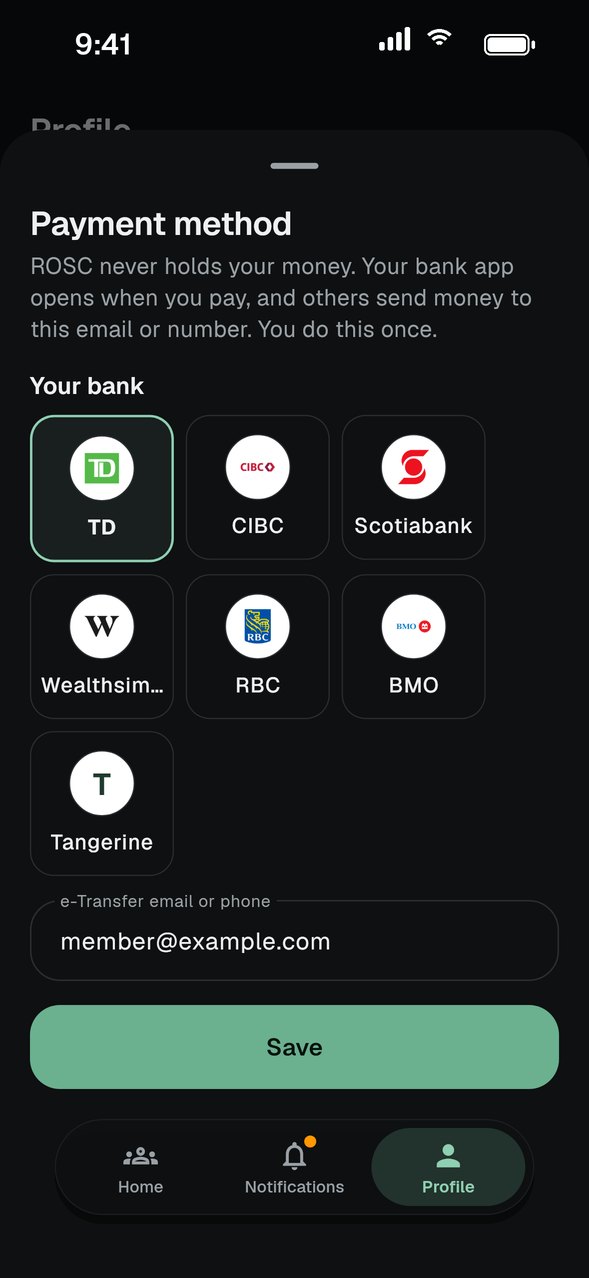
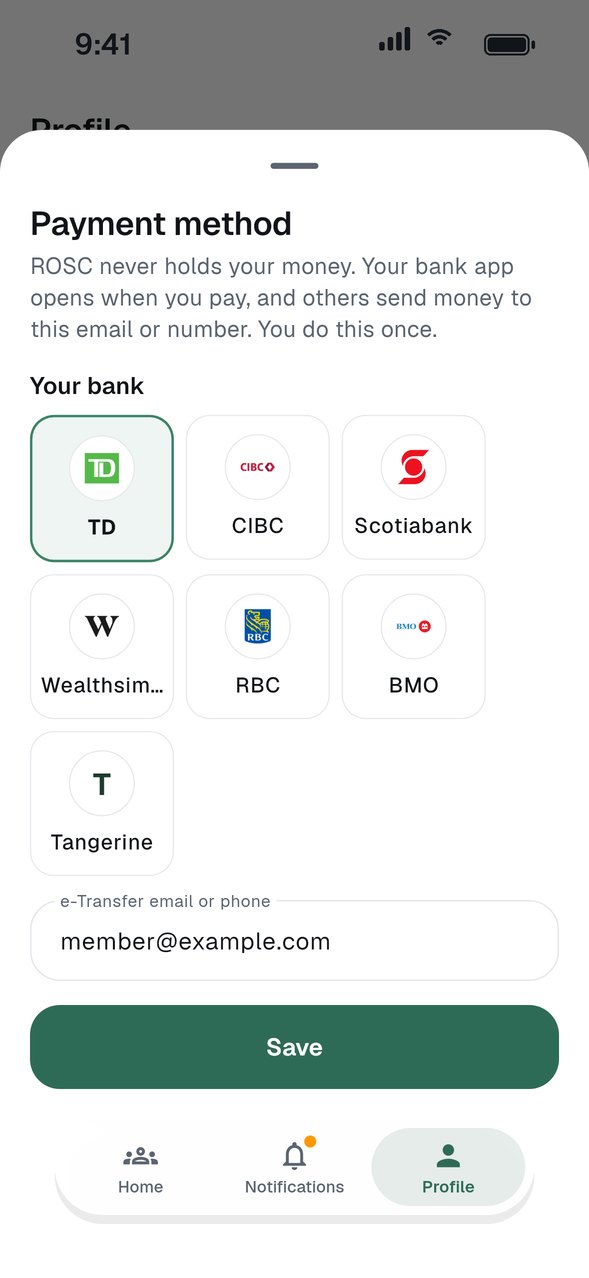
Add your payment method
Save your e-Transfer email or M-Pesa number so others can pay you.
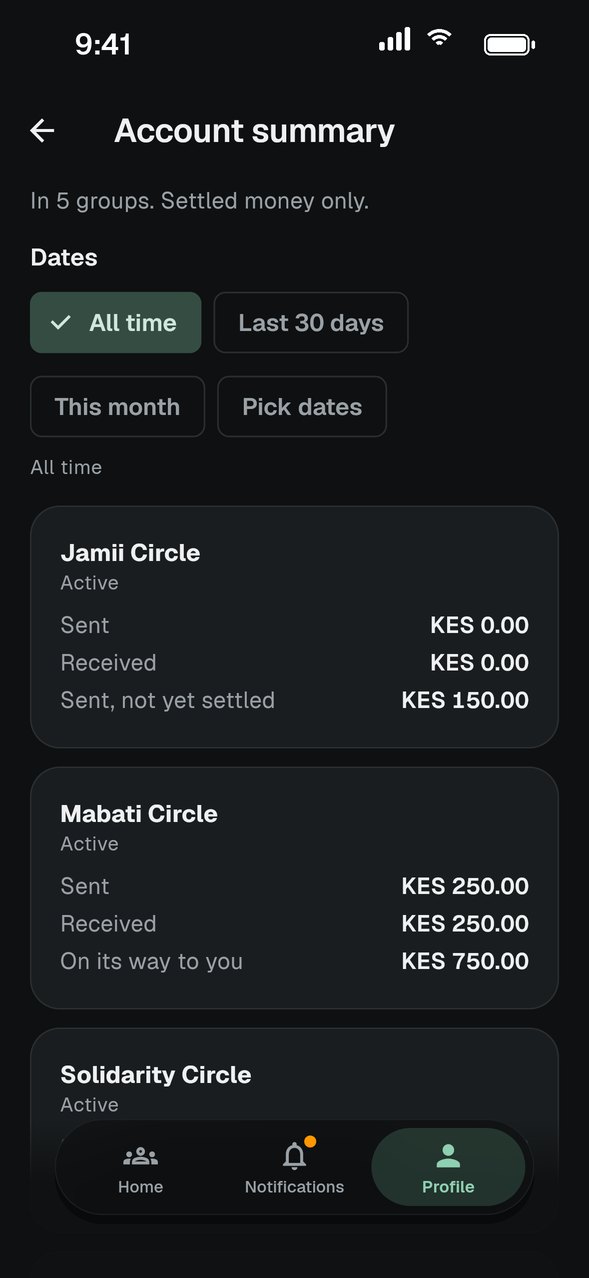
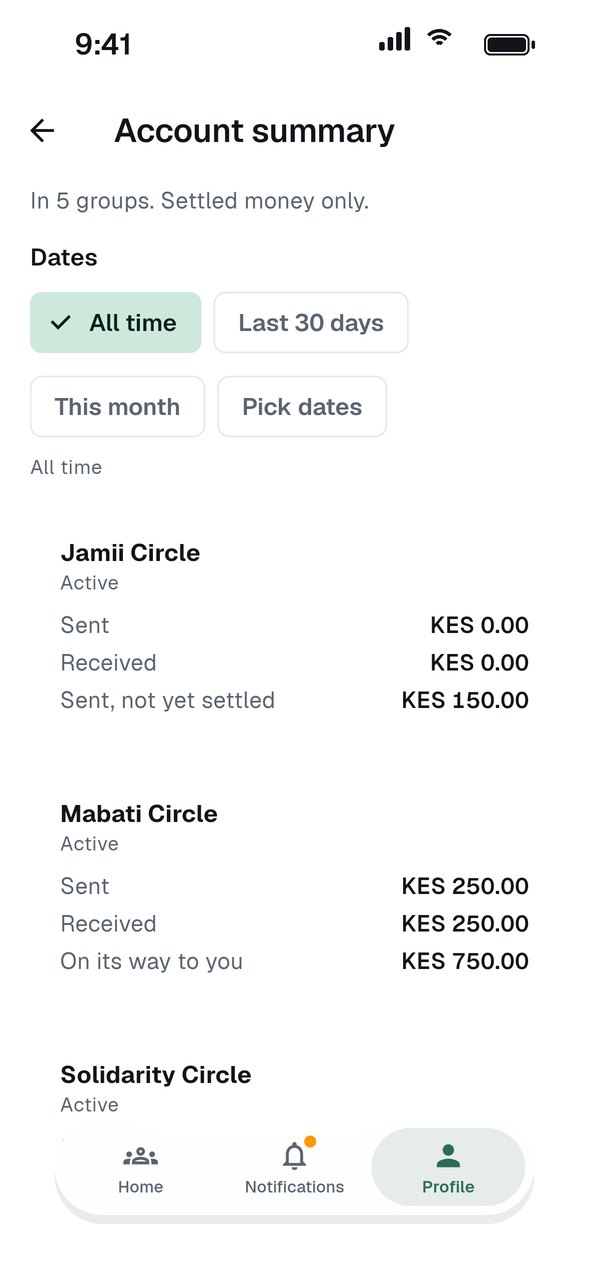
Your account summary
See what you sent and received in every group, as a PDF.
Can't find what you need? Check the FAQ or send us a question. The answers we write most often become new guides.