 ROSC
Sign in or create your account
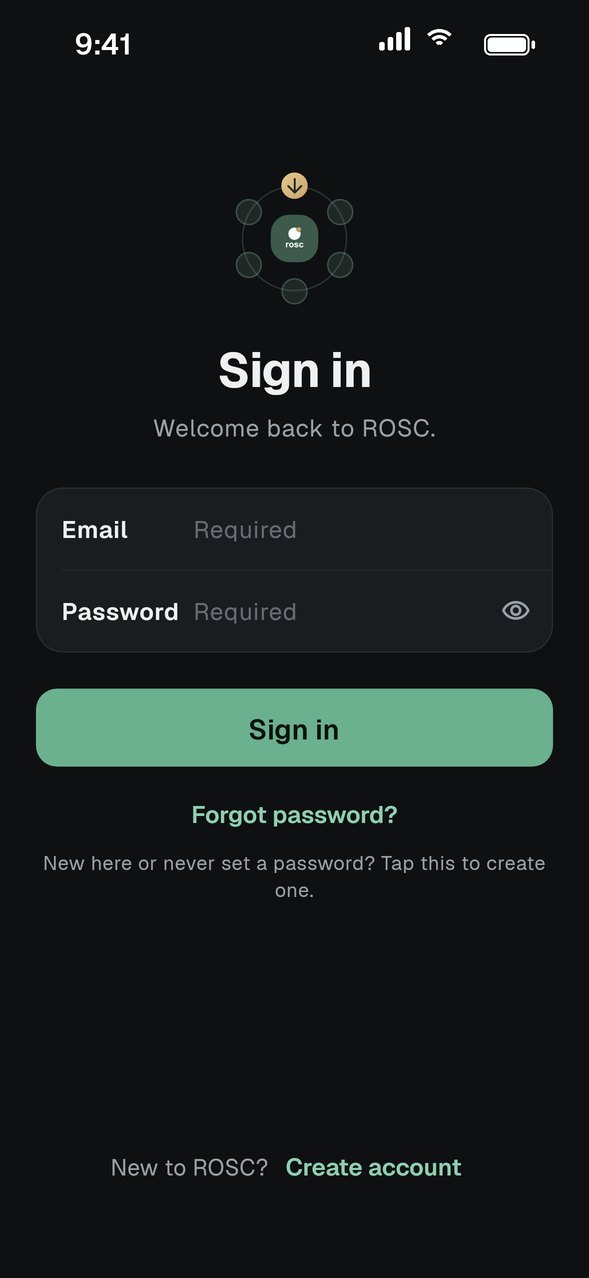
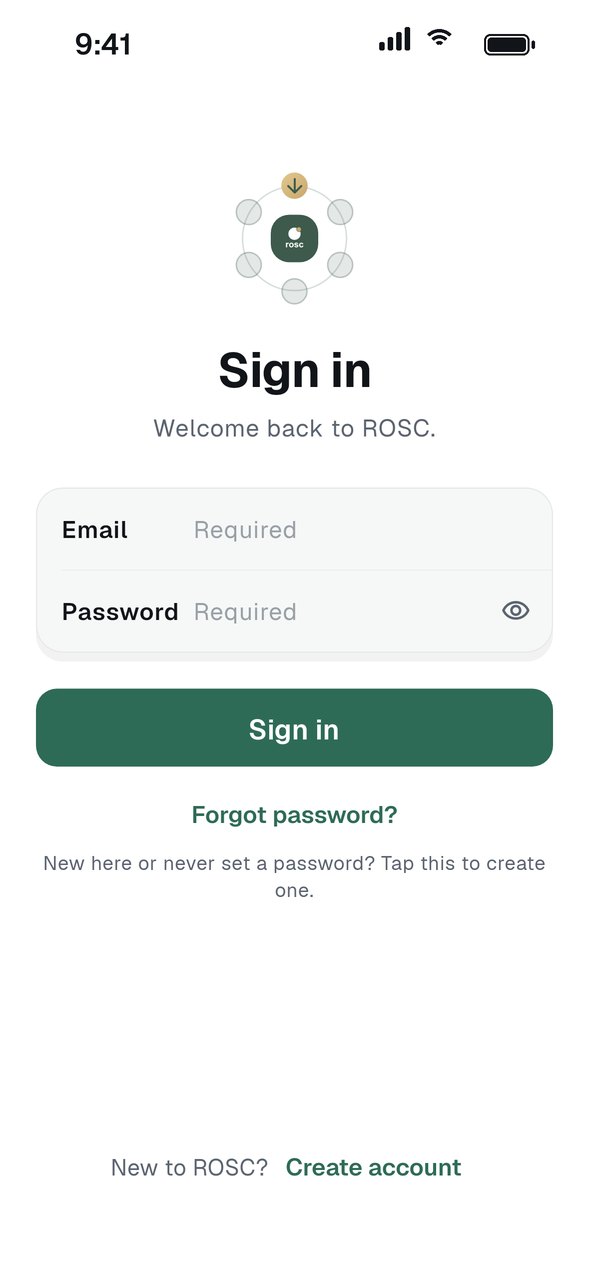
Enter your email and password. New here, or never set a password? Tap Create account, or use Forgot password to set one.
Get the invite
Ask your group admin for the invite link or code. They find both on the group page.
Open the link or enter the code
Tap the link on your phone and ROSC opens at the join screen. You can also open ROSC, choose Join a group and type the code.
Tap Join group
Your request goes to the group admin for approval.
Wait for approval
Once the admin approves and you agree, you lock in and the group appears on your Home screen.
GOOD TO KNOW
- No app yet? Open the invite link, install ROSC, then open the link again.
- Codes are six characters of letters and numbers. They are not case sensitive.