 ROSC
Create the group
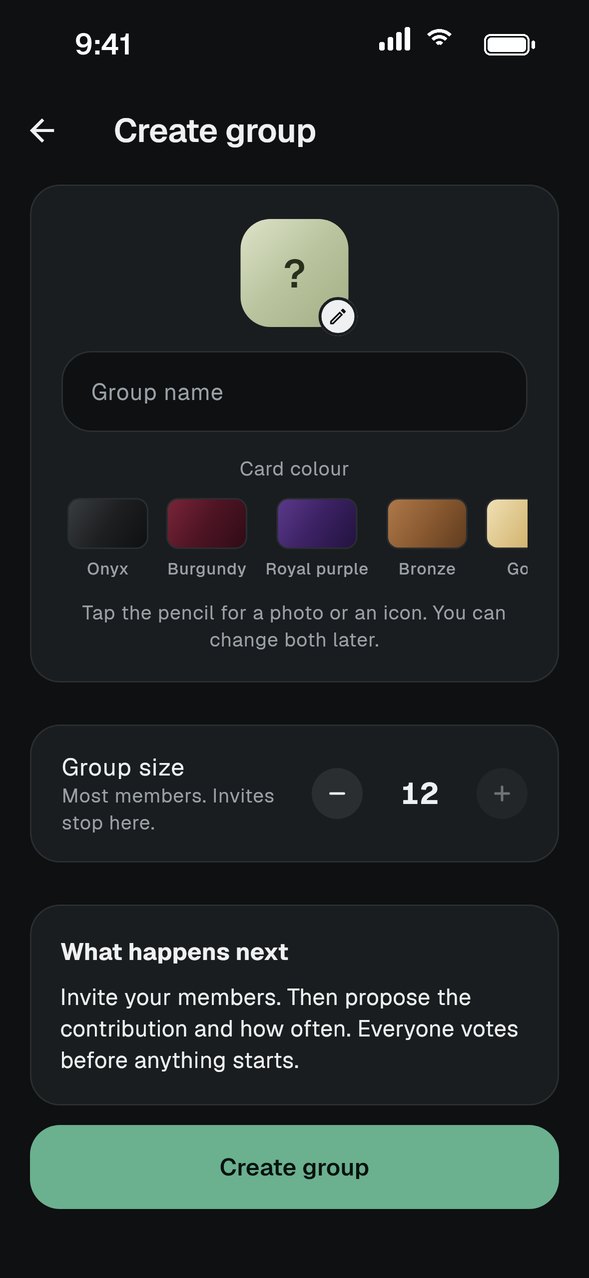
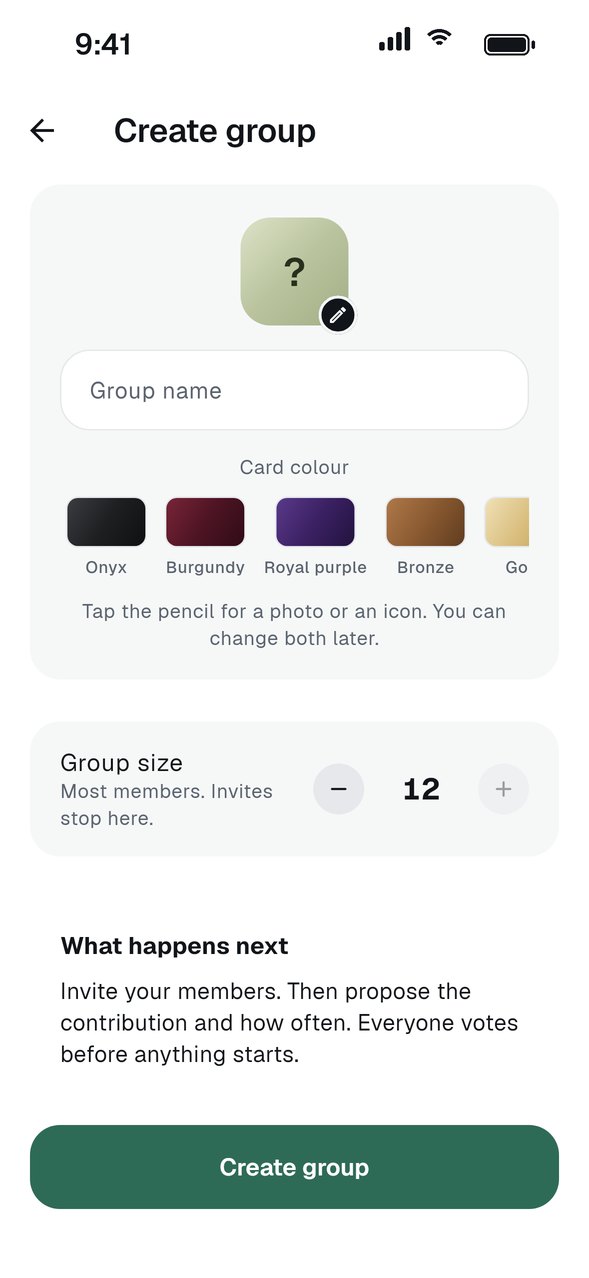
From Home, create a new group. Give it a name your members will recognise and choose a card colour.
Choose the currency and amount
Pick Kenyan shillings (KES) or Canadian dollars (CAD), then enter the amount each member pays every turn. The currency is fixed once the first cycle starts.
Save the group
Tap Save group. Your group is created and ready for members.
Invite your members
Tap Invite someone to share a link, or share the six-character code shown on the group page. You approve anyone who asks to join, and they lock in once they agree.
Set the order and start the cycle
Check the payout order, then tap Start cycle. A group needs at least five members to keep going. After it starts, the amount, frequency and members stay fixed until the cycle ends.
GOOD TO KNOW
- Due dates end at midnight on your group's clock. KES groups use East Africa Time and CAD groups use Pacific Time.
- Members pay each other by Interac e-Transfer in CAD groups, so each member adds their bank before locking in. ROSC never holds the money.
- You can change the payout order until you start the cycle. Members see it once you start.