 ROSC
Your savings group, on one shared record.
Pay your share, confirm it and see every turn on one shared record.
In closed testing on iPhone and Android. Ask for an invite.
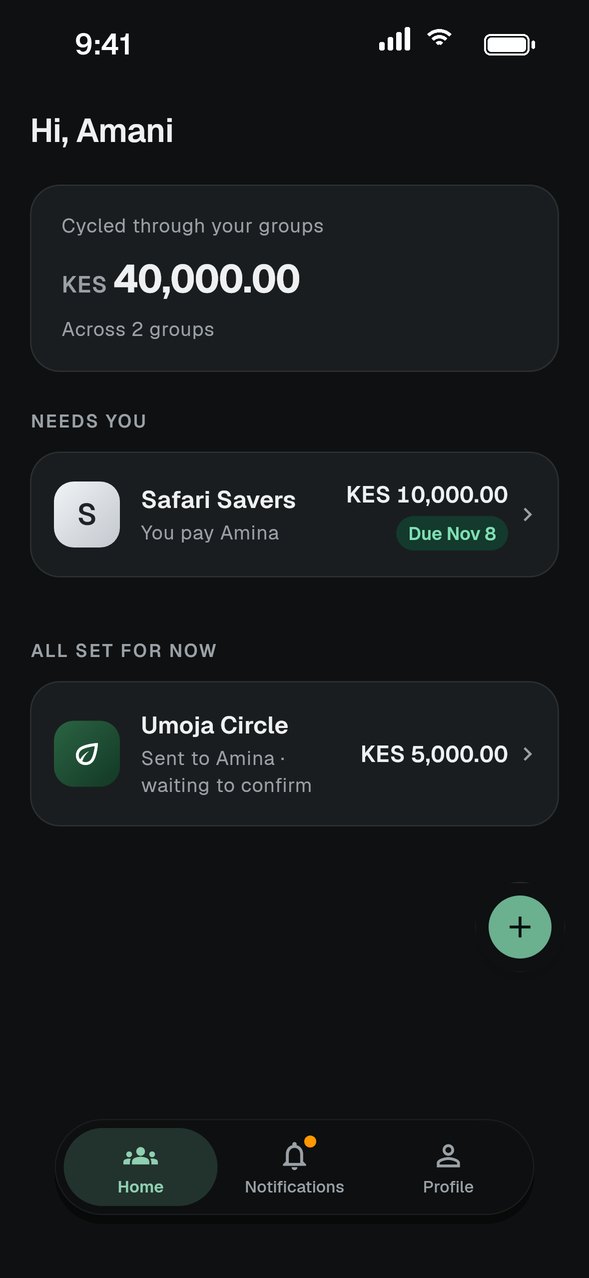
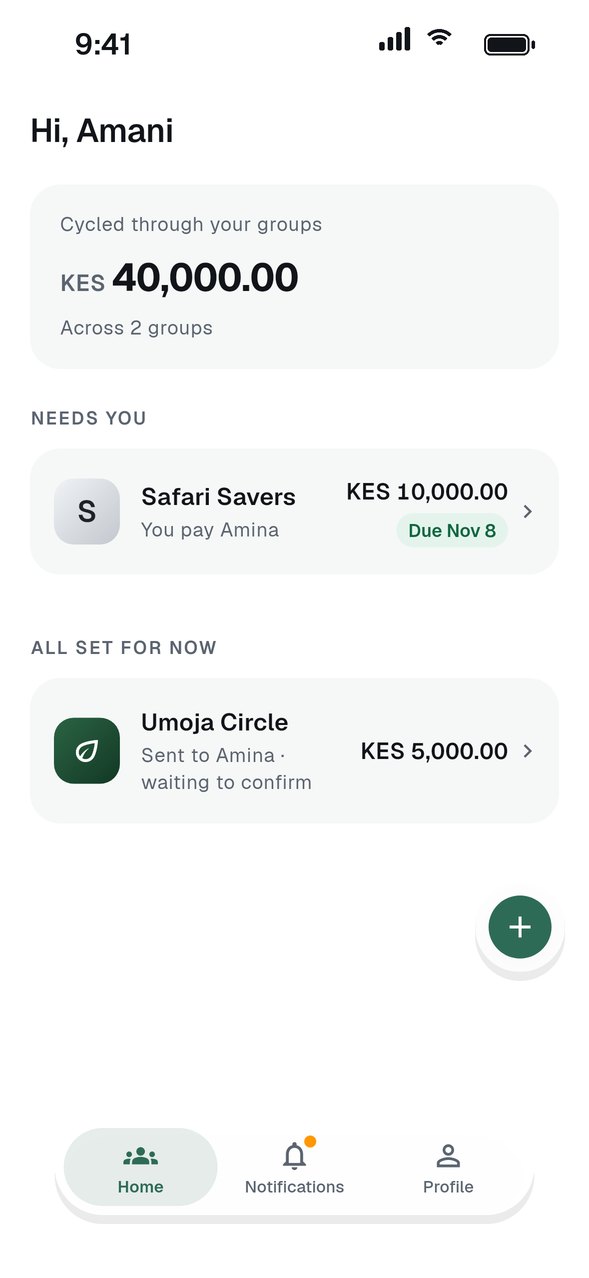
From the first invite to the final payout.
Scroll through a full turn, the way your members will see it on their phones.
- 01
Start a group in a minute
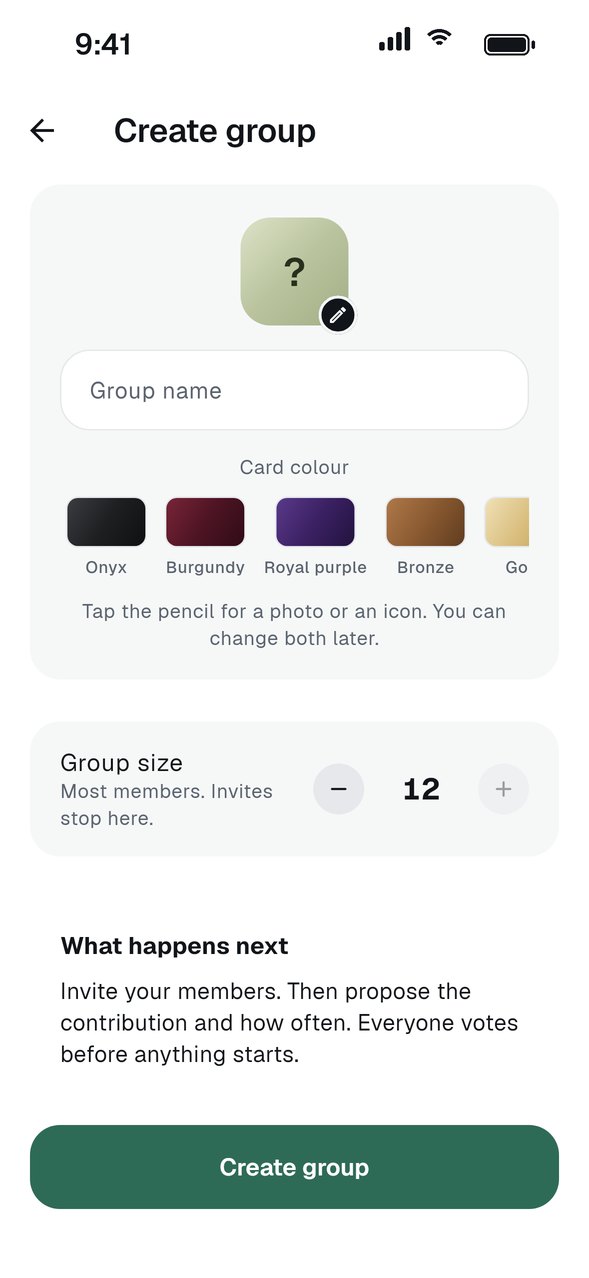
Pick a name, a card colour, the amount and the currency. Share the invite link when you are ready.
Read the guide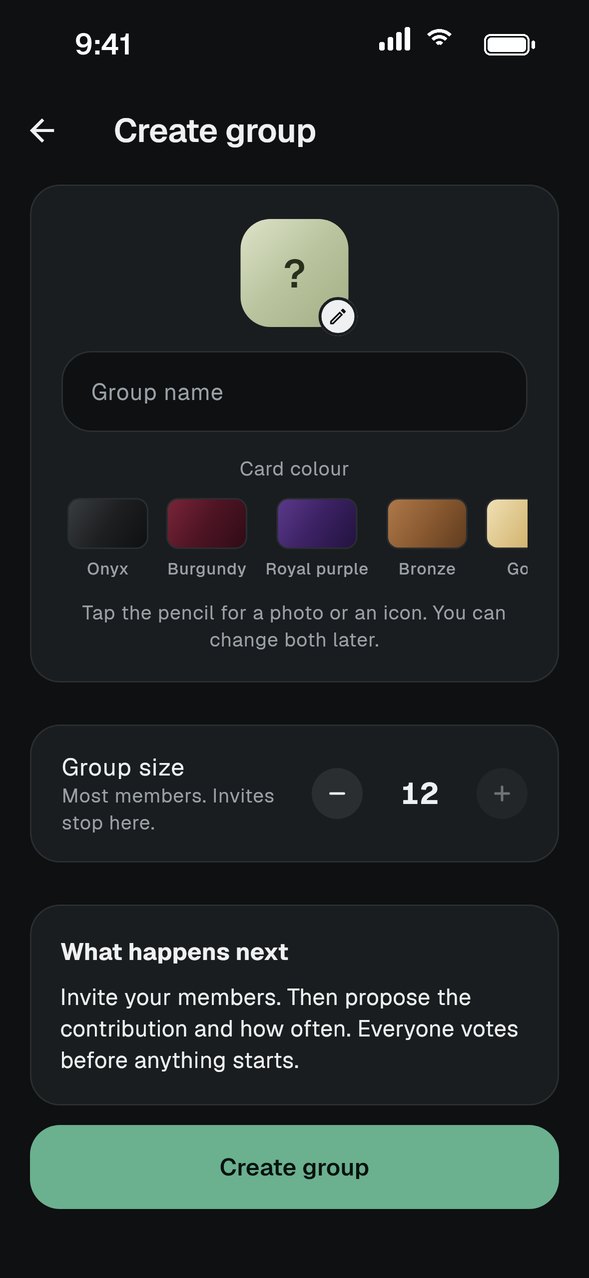
- 02
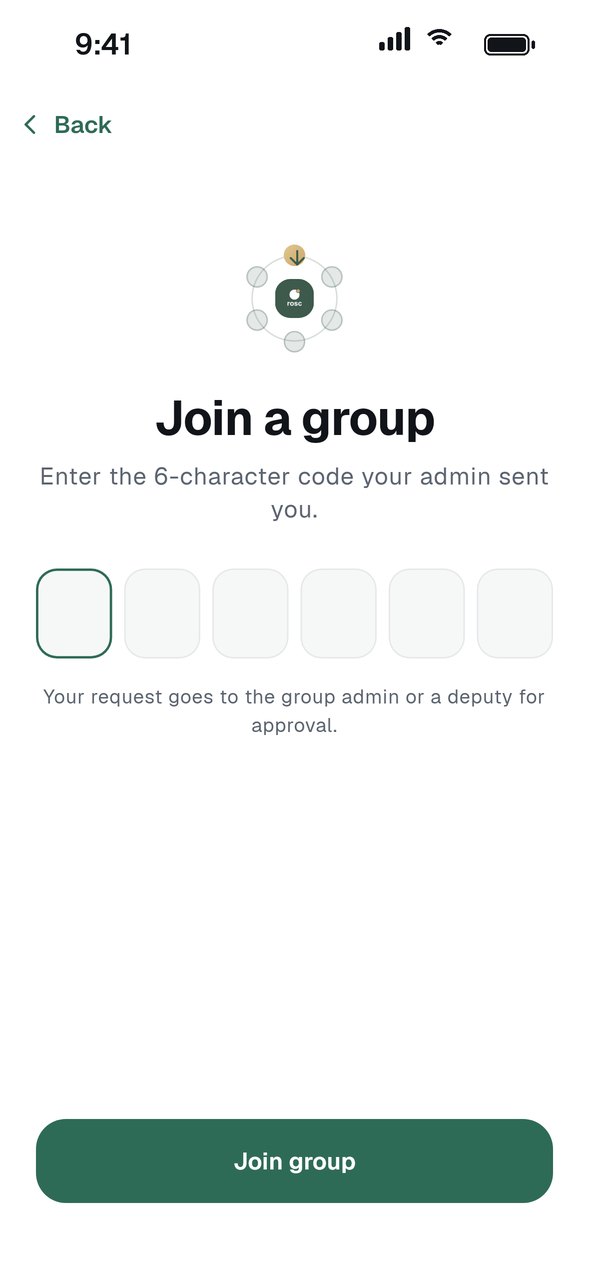
Members join by invitation
Share an invite link or your group code. The admin or a deputy approves every request, so only people you know get in.
Read the guide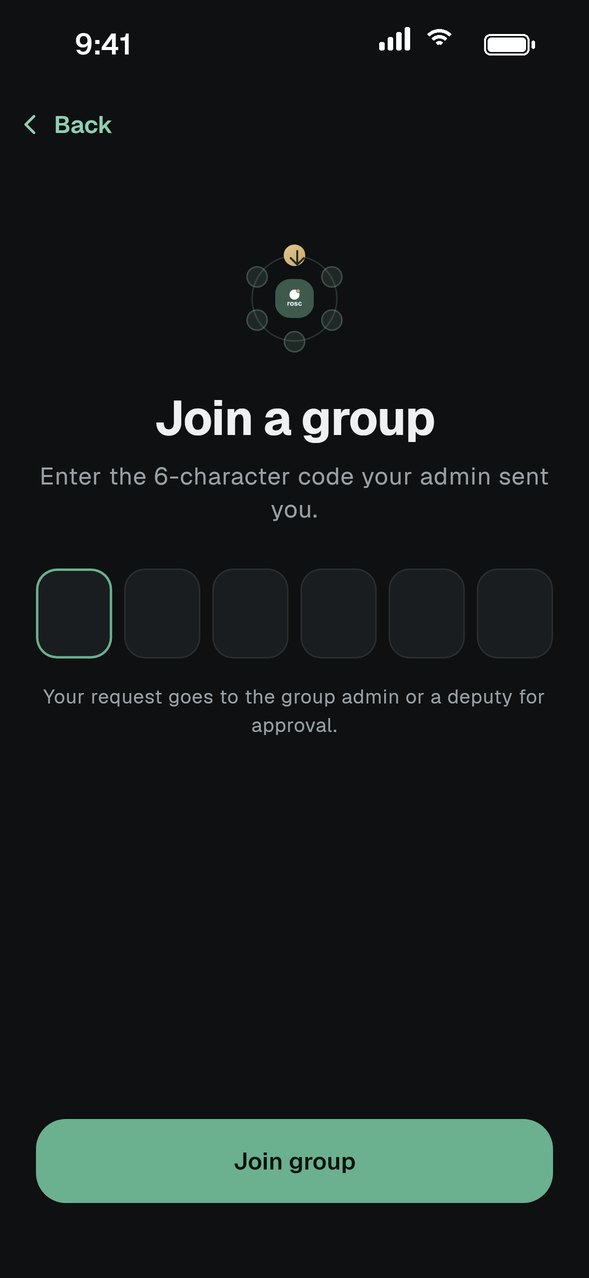
- 03
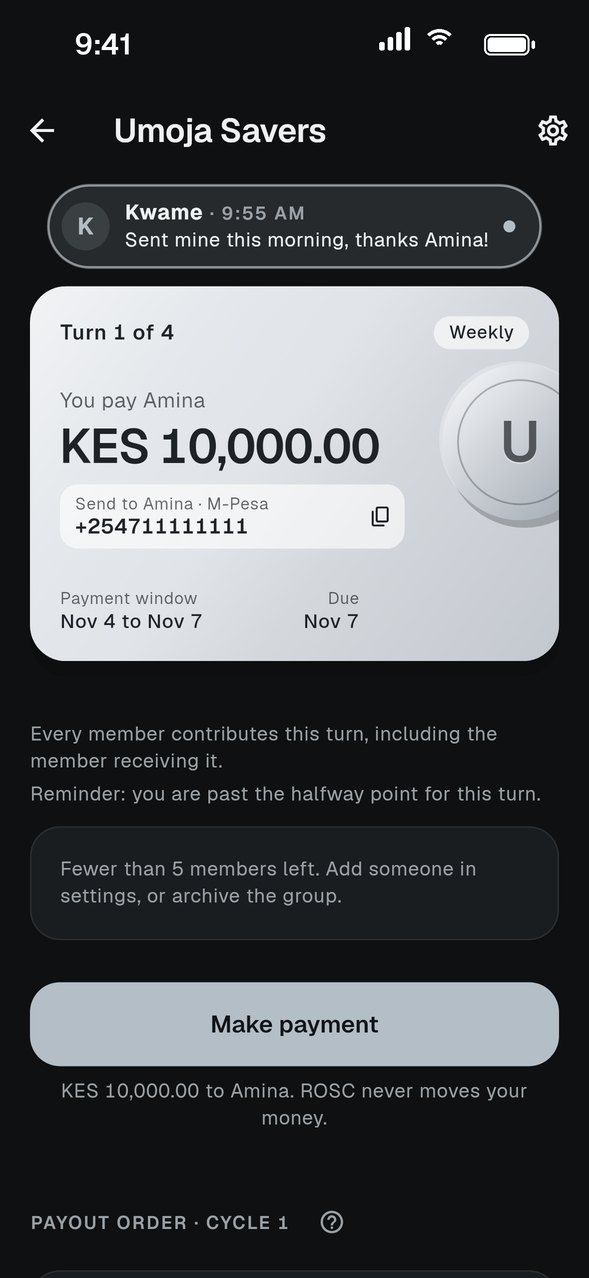
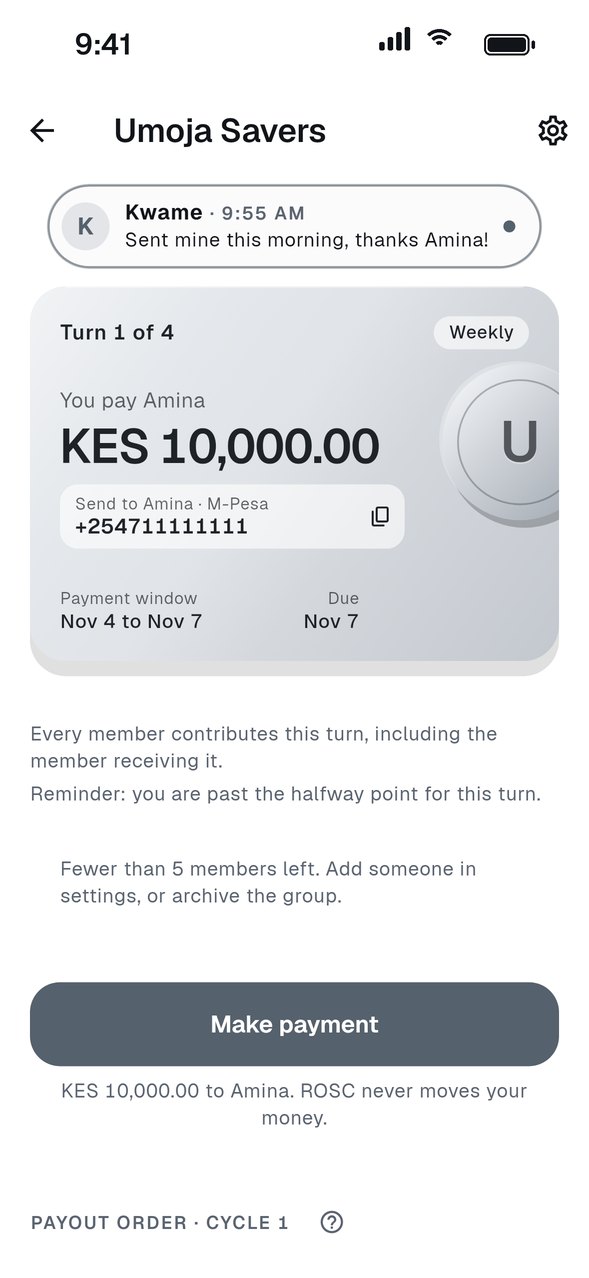
The turn at a glance
The group card shows who receives, what you pay and when it is due. The payment window opens three days before the due date.
- 04
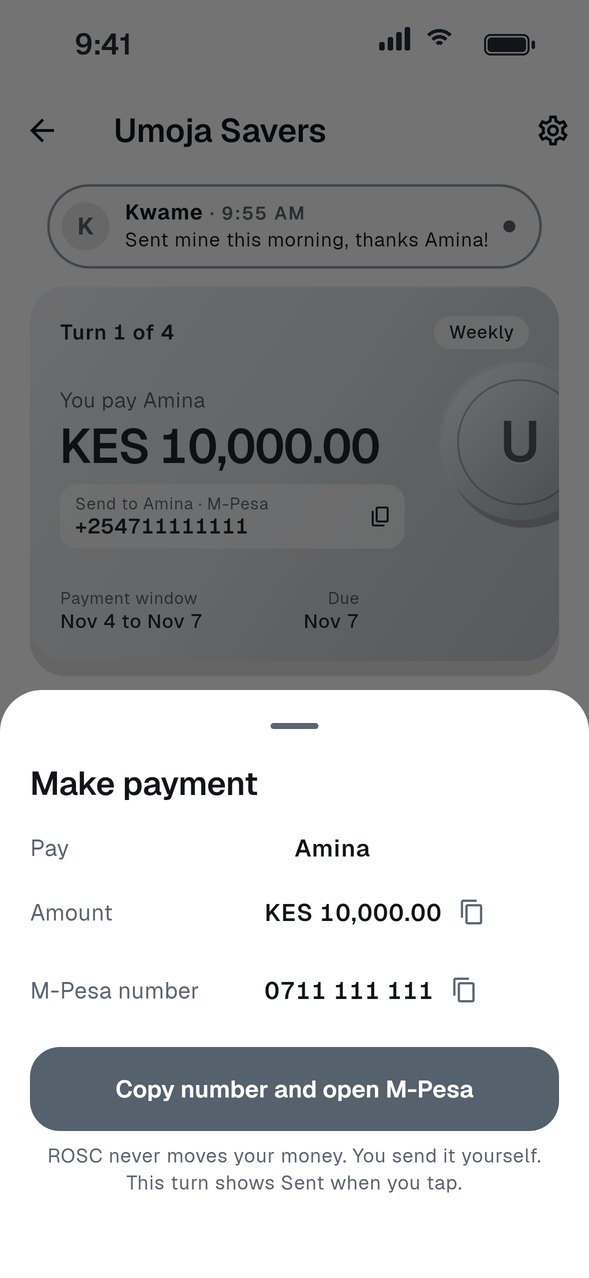
Tap Make payment
ROSC copies the receiver's details and opens your bank app, or M-Pesa on your phone, ready to send. Your turn shows Sent straight away, and ROSC checks back later to ask if it went through.
Read the guide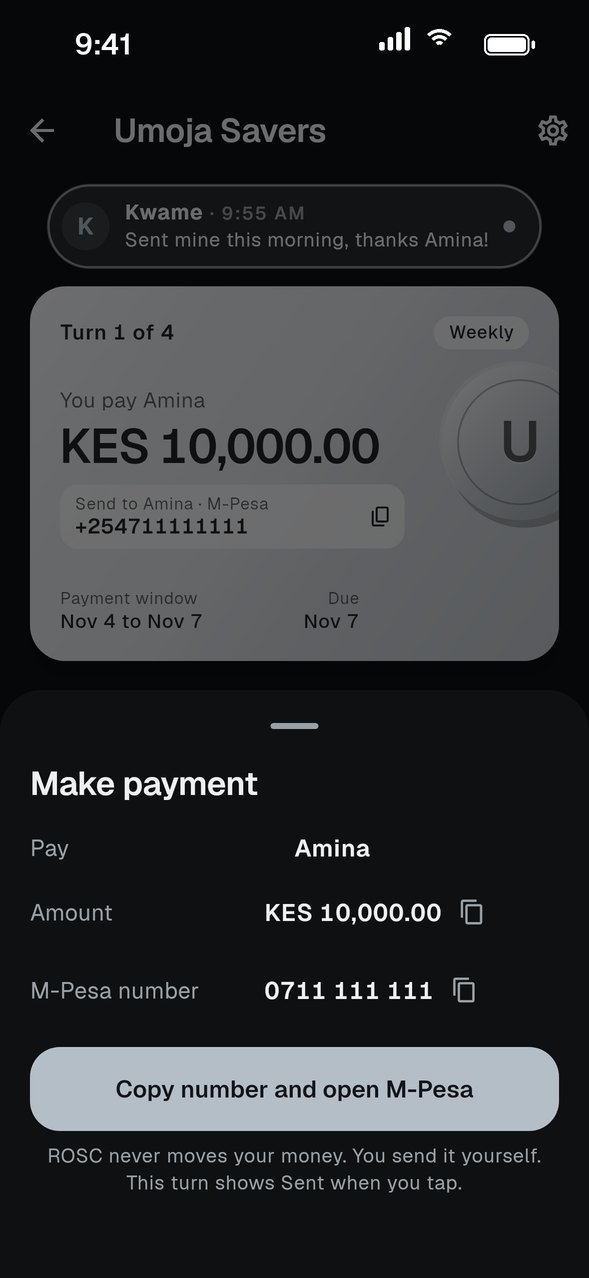
- 05
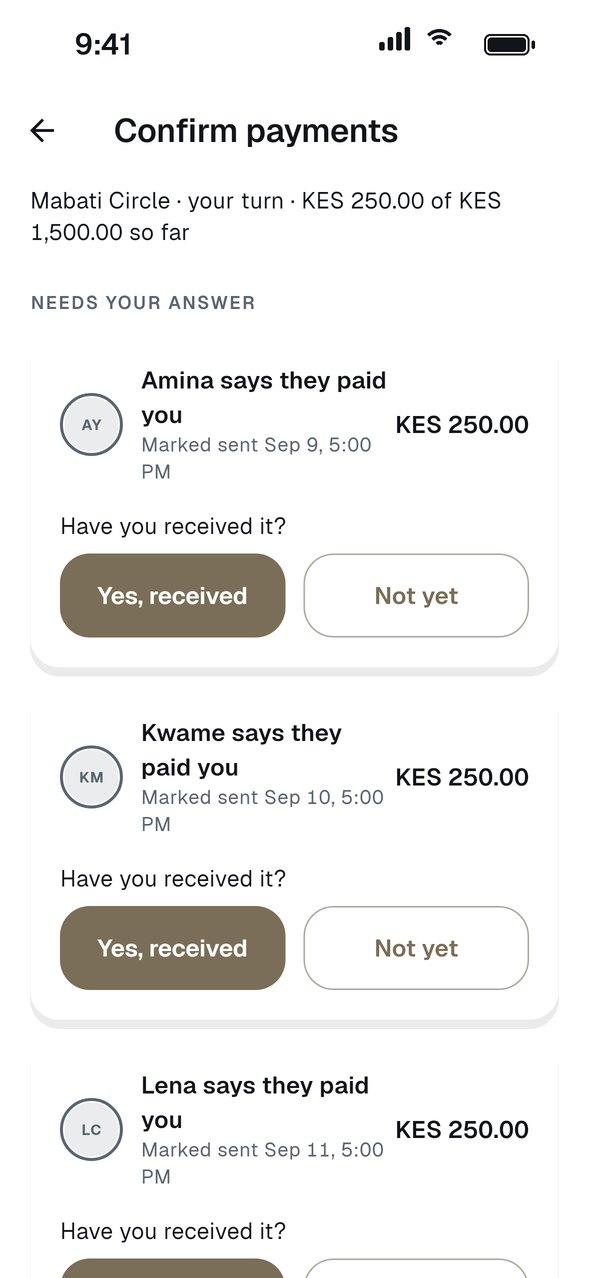
The receiver confirms
The person receiving taps Yes, received or Not yet, and everyone sees the record update. If a payment never arrived, they can say so until 48 hours after the due date, and report it to support for 7 days after that.
Read the guide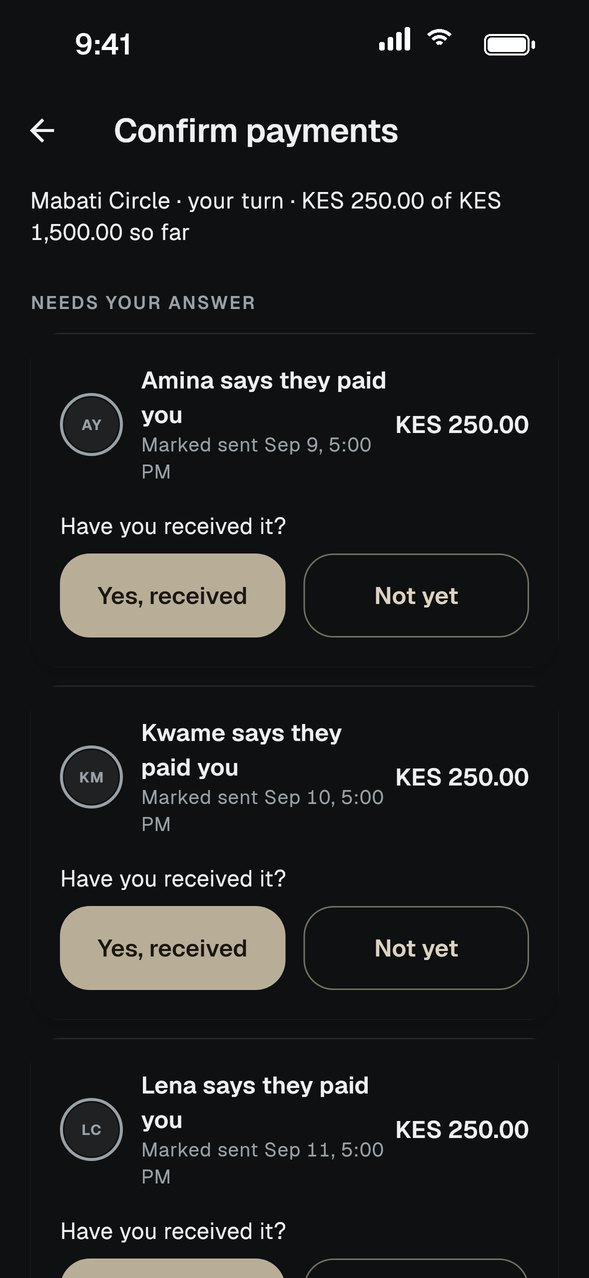
- 06
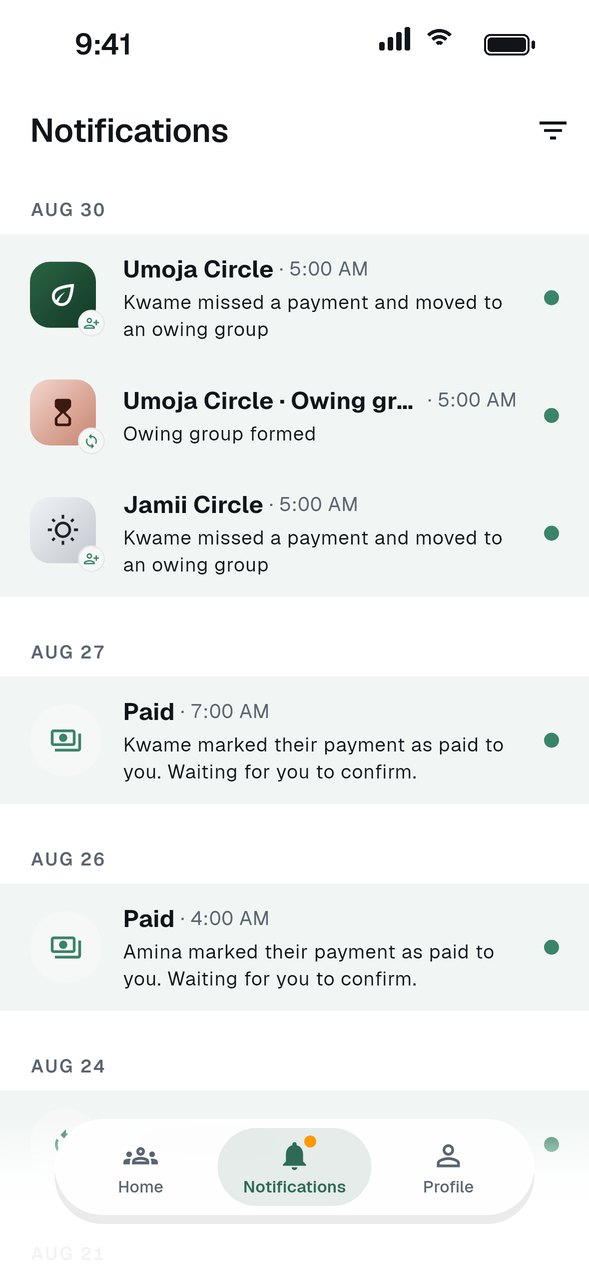
Reminders before it gets late
Notifications and email reminders arrive before a payment is due, and again if it runs late.
Read the guide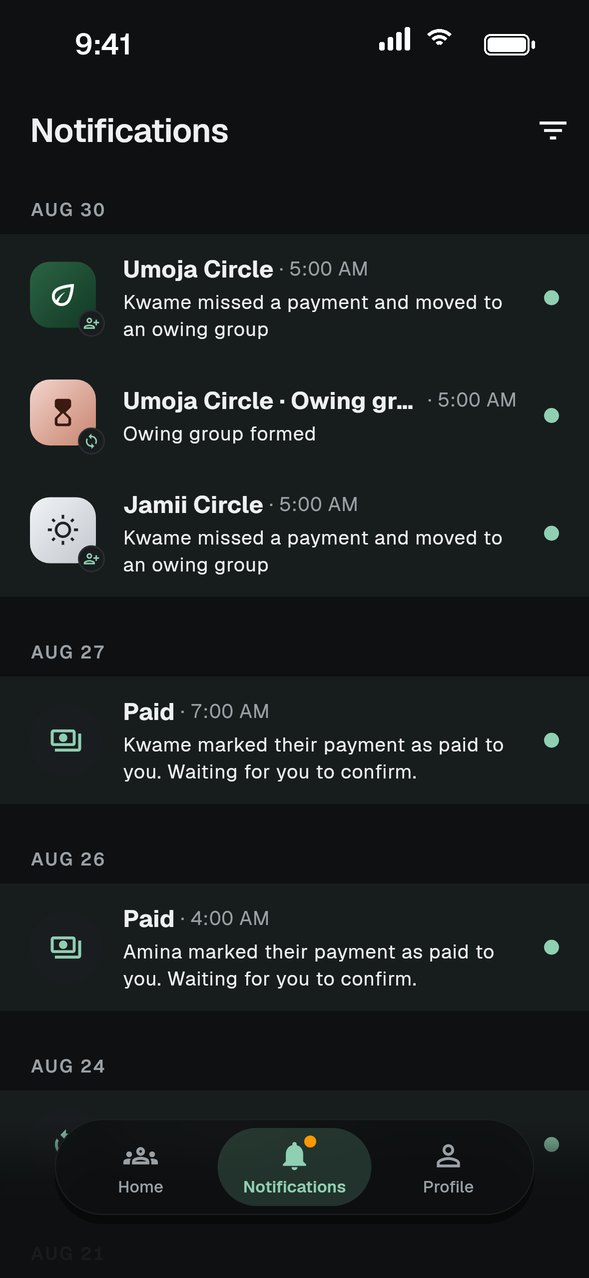
- 07
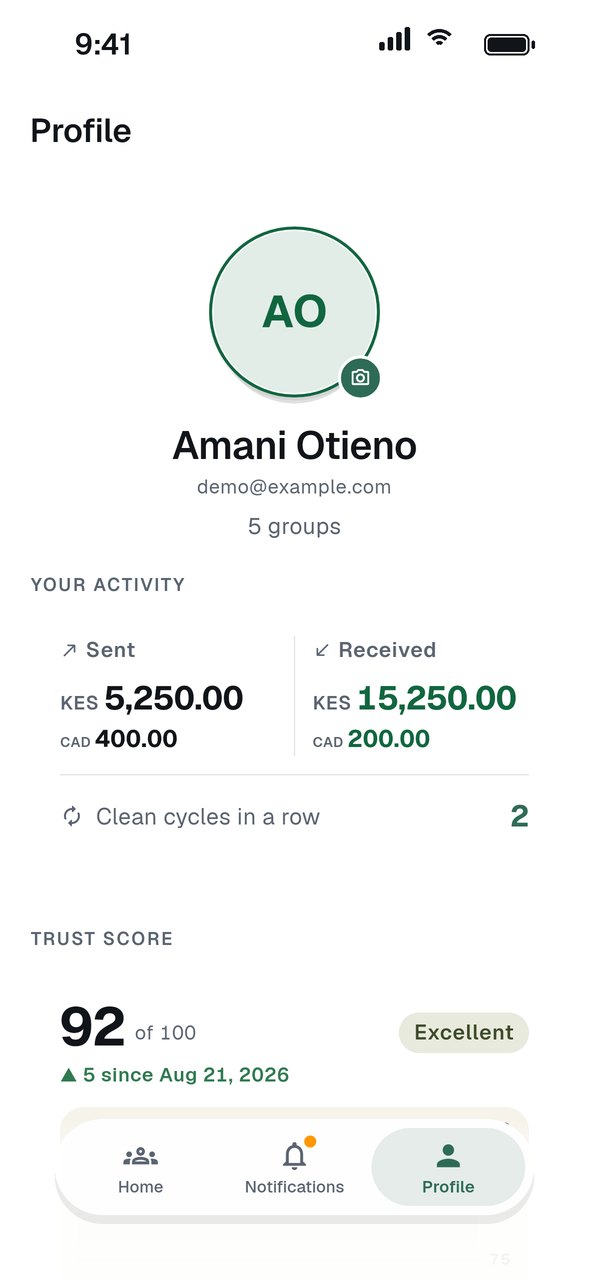
A track record that builds
On-time payments build your Trust Score, a record you can be proud of in every group you join.
Read the guide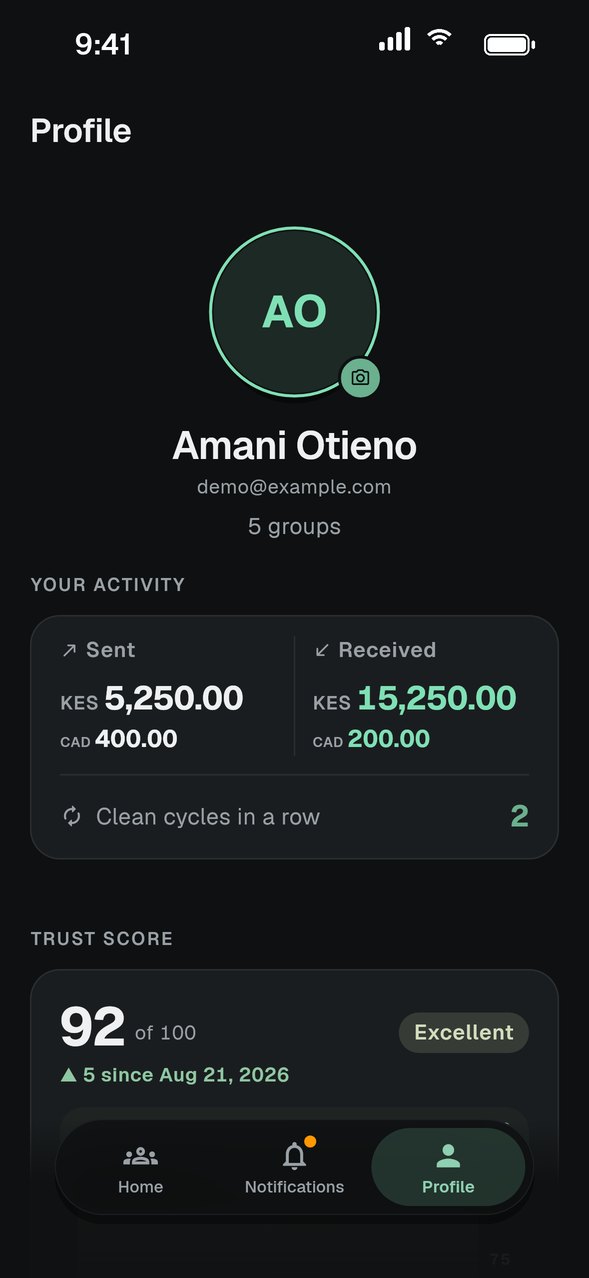
Everything a group needs to stay on track.
Shared record
Who has paid, who is receiving and what is still outstanding, visible to every member.
Reminders
Push notifications and email reminders before and after a due date.
Group noticeboard
Post updates, pin what matters and keep the conversation next to the numbers.
Owing groups
Missed payments move to an owing group with a clear balance, so the rest of the group keeps moving.
Trust Score
A payment history that builds as members pay on time.
KES and CAD
Each group runs in its own currency, with due dates on the group's own clock.
Pay a share and watch the record update.
This is a working demo with sample data. Tap Mark as sent, then look at Activity and Profile to see what the group sees.
Browse the guidesTry it: tap Mark as sent to pay your share.
Hi, friend
Needs you
All set for now
- KKwamePaid
- SYouNot sent yet
- AAminaReceiving
Notifications
- UKwame marked his share as sentUmoja Circle · 2h ago
- SIt's your turn to receiveSolidarity Circle · yesterday
Profile
Bring your group along.
ROSC is in closed testing on iPhone and Android. Tell us which phone you use and we will send you an invite. Groups that want to start together are especially welcome.
Latest: