 ROSC
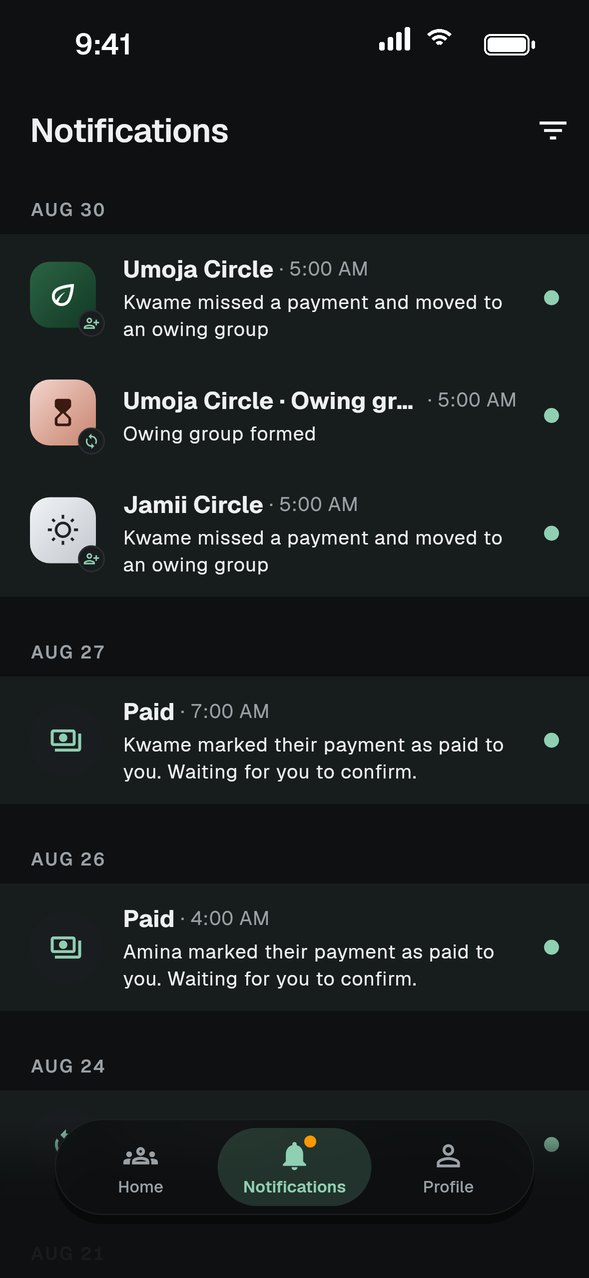
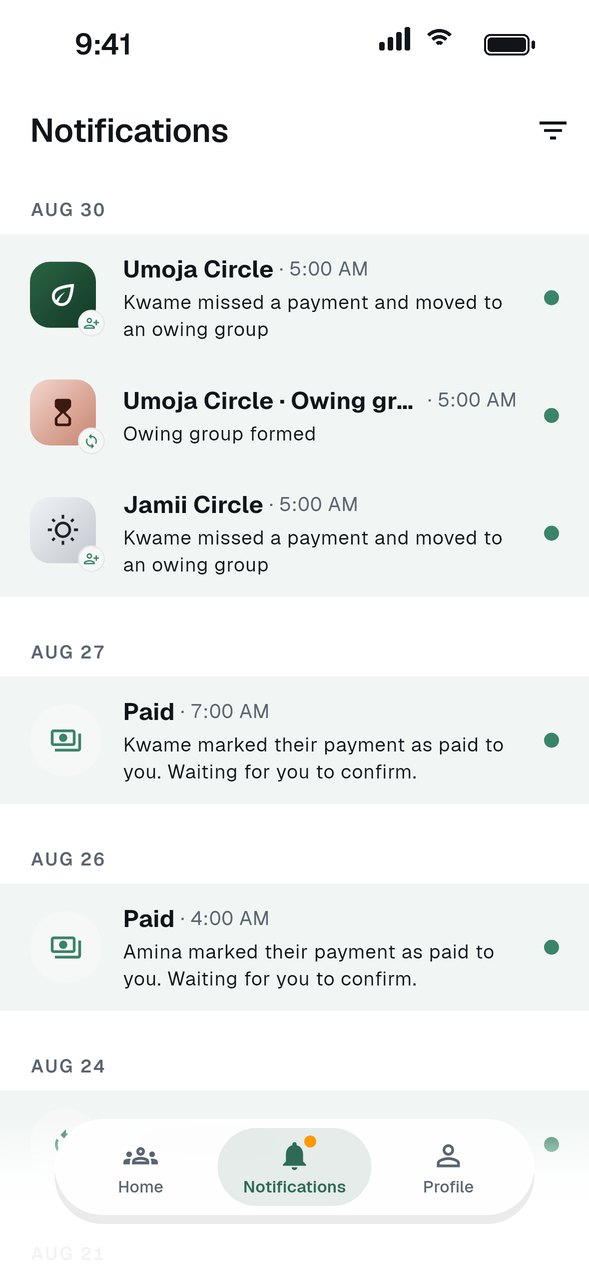
Open Notifications
Every payment, new turn and group update appears here, newest first, with the group name on each one.
Tap an item
It opens the group, so you can act on it straight away.
Choose what you get
In your profile settings you can turn categories on or off: turn reminders, group activity, votes, Trust Score and group notes.
Add email reminders
Payment reminders can also arrive by email, so a due date does not depend on one app.
GOOD TO KNOW
- If push notifications do not arrive, check that notifications are allowed for ROSC in your phone settings.