ROSC / Guides / Use the noticeboard

Use the noticeboard

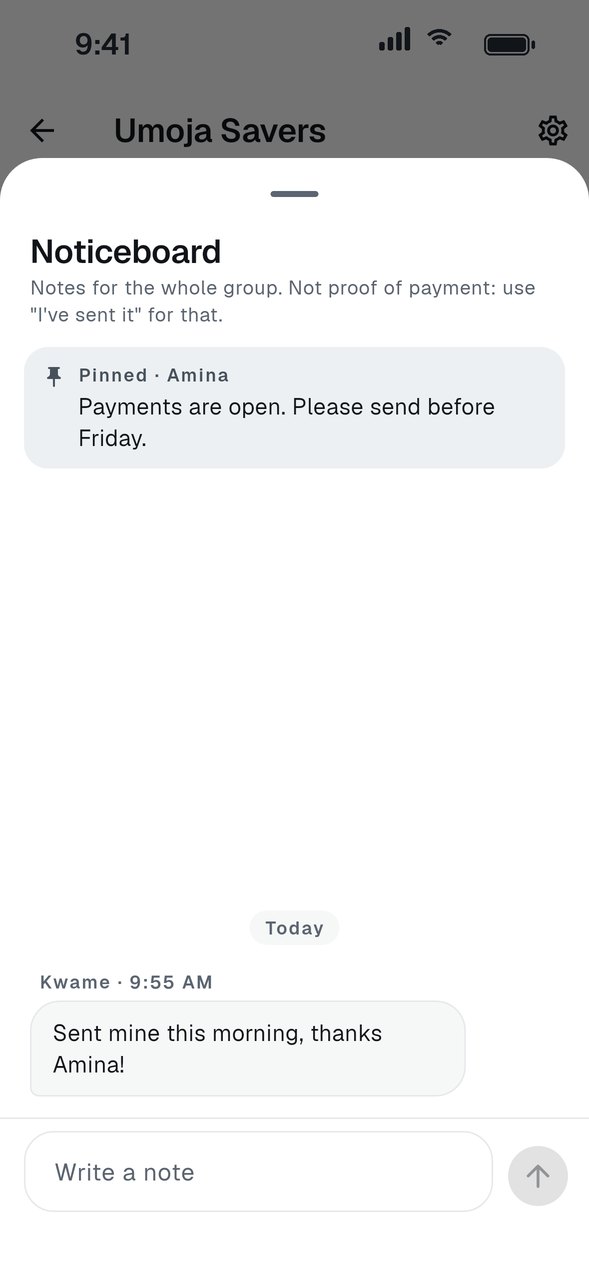
Every group has a noticeboard for the things members need to know, like a changed date or a reminder.

  1. Open the noticeboard

    Tap the Noticeboard card at the top of your group page.

  2. Write a note

    Type a message and send it. Everyone in the group sees it.

  3. Pin what matters

    A pinned note stays at the top so nobody misses it.

GOOD TO KNOW
  • The noticeboard is for messages. It is not proof of payment, so use I've sent it for that.
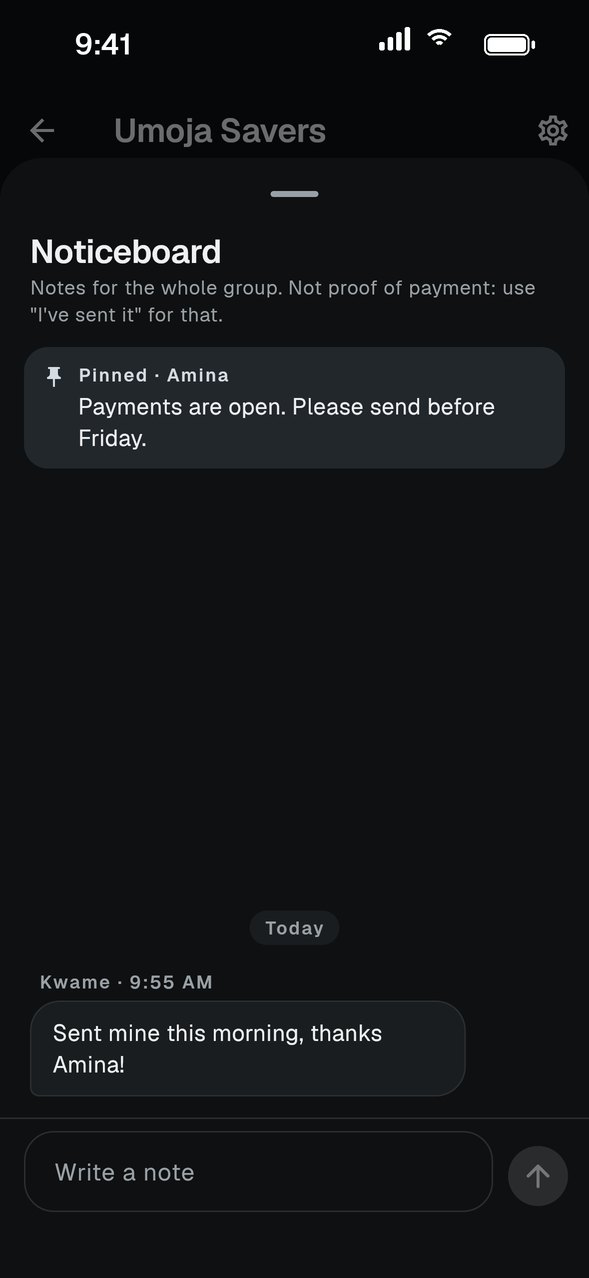
A group noticeboard with a pinned note and messagesA group noticeboard with a pinned note and messages
Sample data. Your screen will show your own groups.