 ROSC
A payment is missed
If a member has not paid when a turn ends, the turn can still finish for everyone else.
An owing group opens
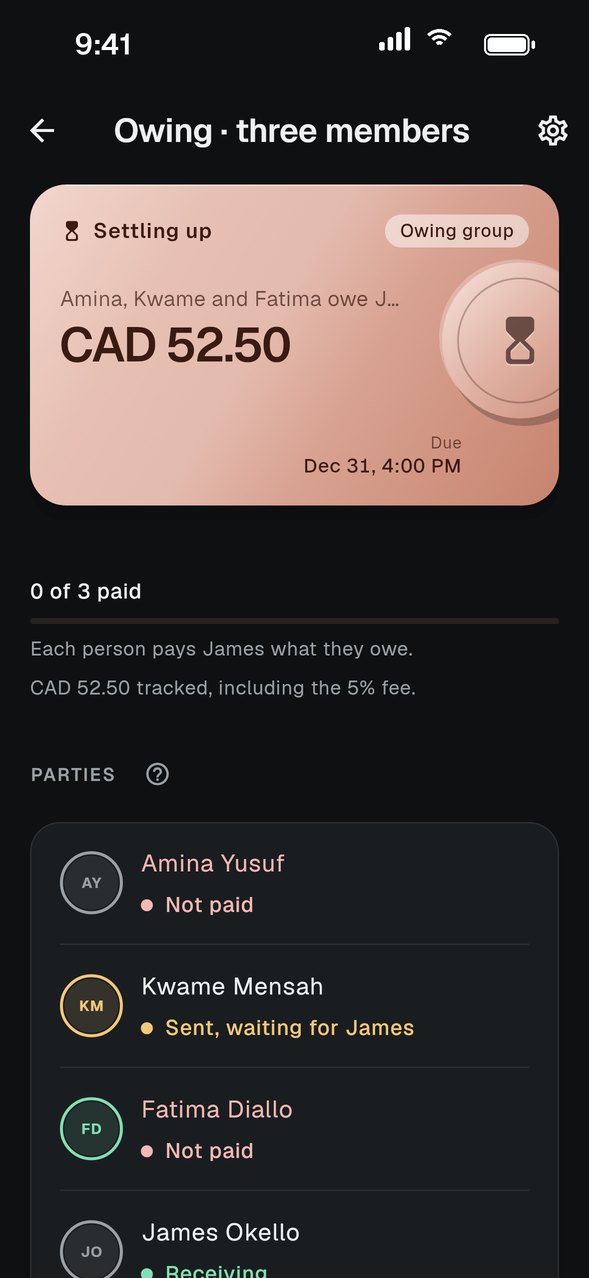
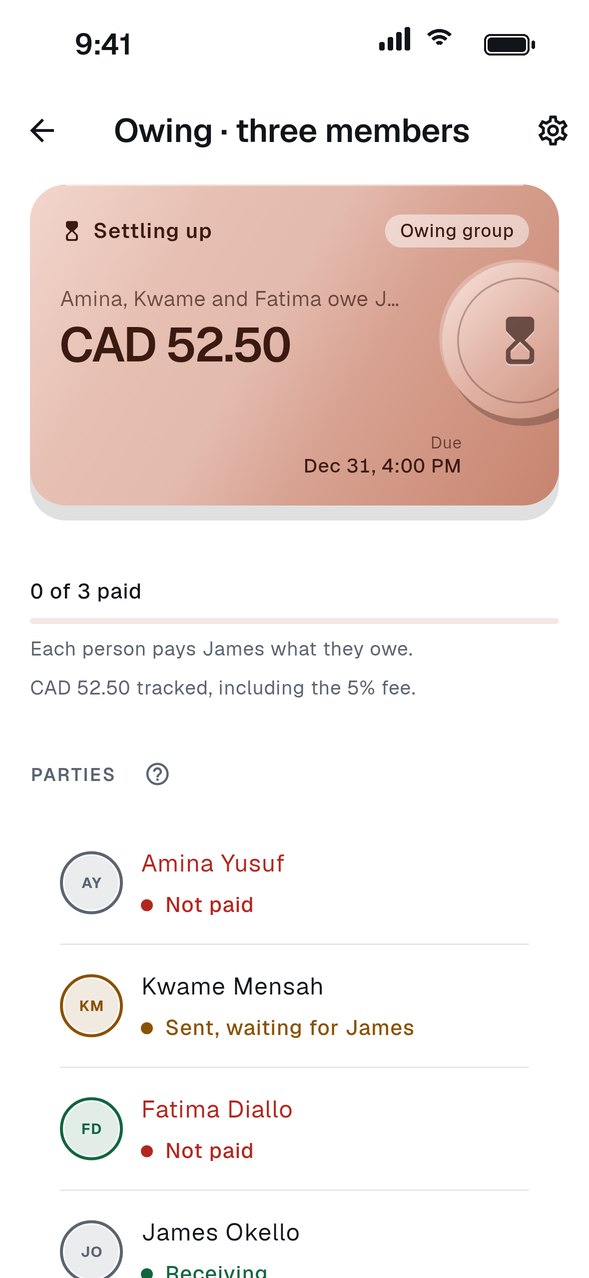
ROSC creates an owing group that shows who owes whom and how much, including a 5% fee on the amount owed.
Members settle up
The people who owe tap Make payment and send the money to the member who is owed.
The member owed confirms
Once the member owed confirms what arrived, the debt is settled and the owing group closes.
GOOD TO KNOW
- Pick a deputy and a backup in Group settings. The deputy looks after an owing group if you end up in one, and the backup takes over if the deputy is in it too.
- Each owing group has an observer. It is the admin, or a deputy when the admin is part of the debt.
- Owing groups are separate from the main group, so the next turn starts on schedule.