 ROSC
Open your Profile
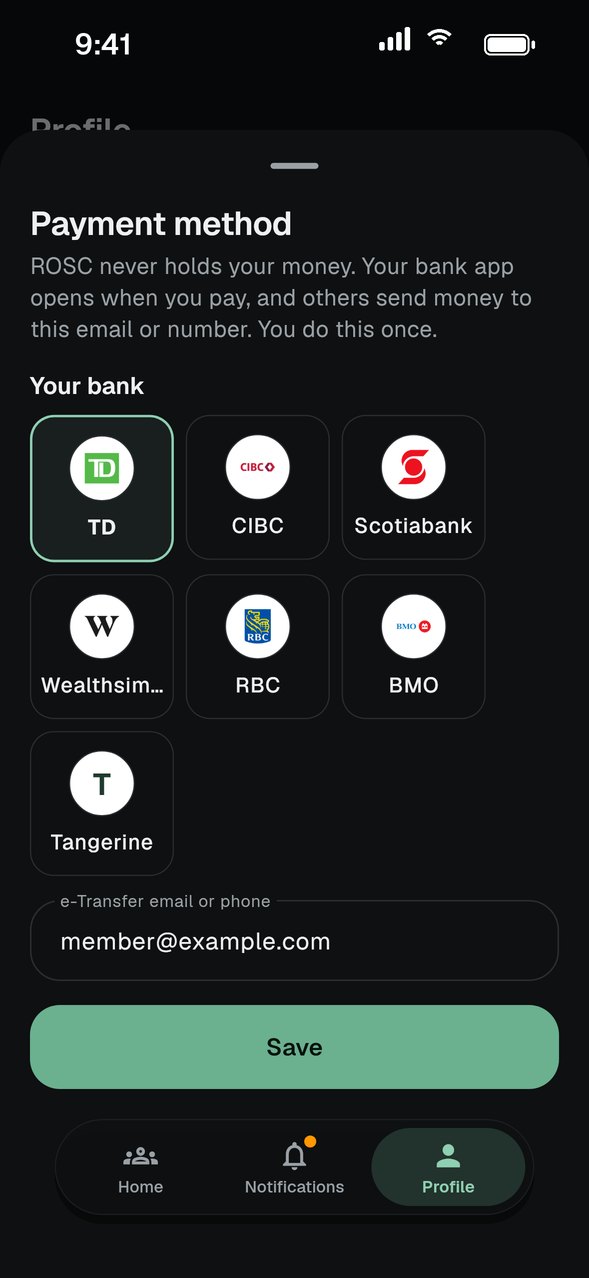
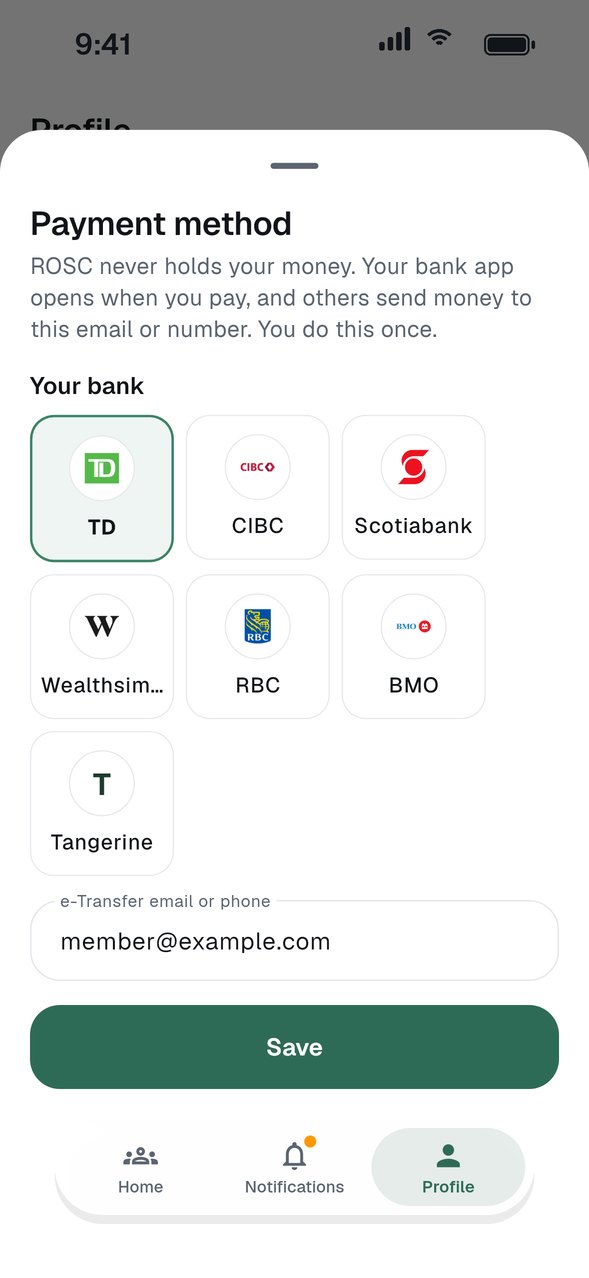
Tap Profile, then find Payment methods. Your saved methods are listed there, each with a Change button.
Pick your bank
For Canadian groups, choose your bank: TD, CIBC, Scotiabank, Wealthsimple, RBC, BMO or Tangerine.
Enter your e-Transfer email or phone
Type the email or phone number you use for Interac e-Transfer, then tap Save.
Kenyan groups use M-Pesa
Members of Kenyan groups save an M-Pesa number the same way. It shows on the group card for anyone paying you.
GOOD TO KNOW
- ROSC never holds, moves or has access to your money. It records who sent what.
- Change a method any time from Profile. Do it before a cycle starts so your group sees the right details.